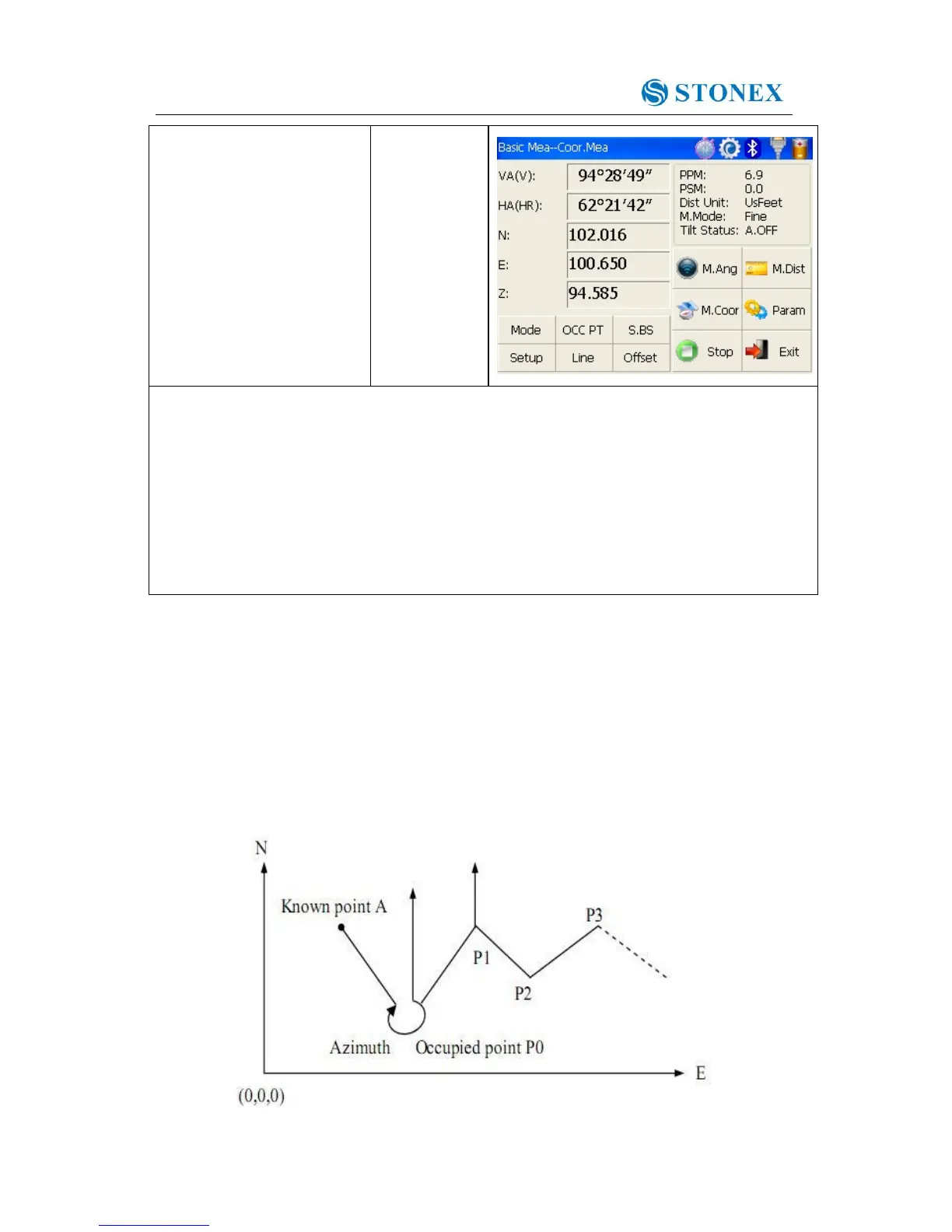
※1)If don’t input coordinate of occupied point, previous coordinate of occupied point is set
as default. If don’t input instrument height and prism height, the previous is set as default
too.
※2)refer to “4.3.4 Setting horizontal angle with the S.Angle key” or “4.5.2 Setting
backsight point”。
※3)Click “Mode” key to change distance measurement method(Fine/N Fine/Loop
Fine/Track)
※4) Click “M.Angle” or “M.Dist” to return to normal angle or distance measurement mode.
4.5.5 Traverse Surveying
Measure the coordinate of foresight point and save it in the list, this point would be taken
as the occupied point after transferring to point 2, and the previous occupied point will be
taken as the backsight point, the azimuth angle will be calculated and set.



 To Next Page