Start offset measurement (ANG.Offset, DIST Offset,
PLANE Offset, CYL.Offset) function
Set displayed coordinate order as NEZ or ENZ
Save coordinate of instrument station or not
Set Ang.Unit as DMS, GON, MIL
Set Dist Unit as m, UsFeet, IntFeet
Stop distance measurement
Exit basic measurement program
4.3 Angle measurement mode
4.3.1 Horizontal angle(right angle) and vertical angle measurements
Firstly, make sure the operation is under angle measurement mode.
① Collimate the first target
A
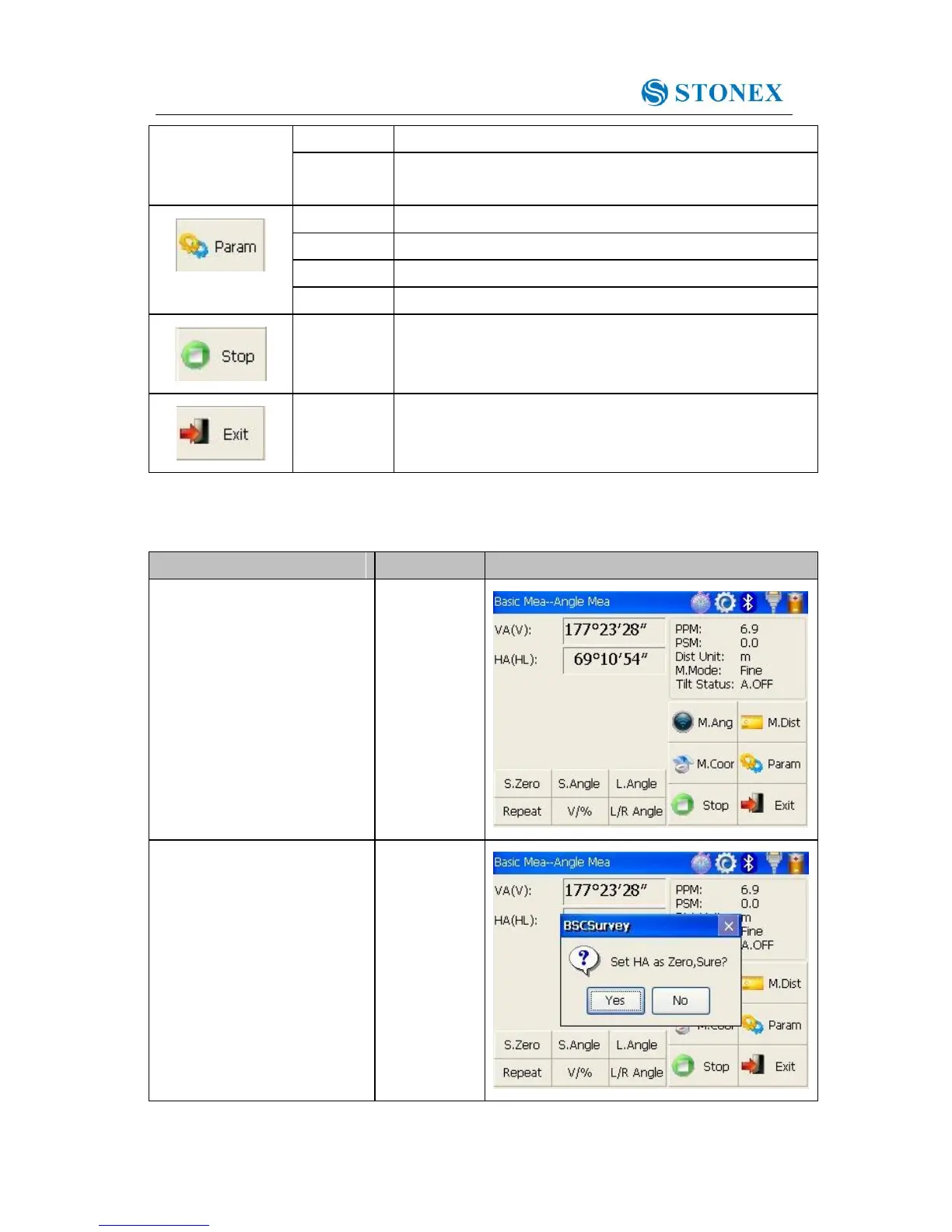
②Set horizontal angle as zero
for target A.Click the
“S.Zero” button, and choose
“OK” in the popup dialog
box.



 To Next Page