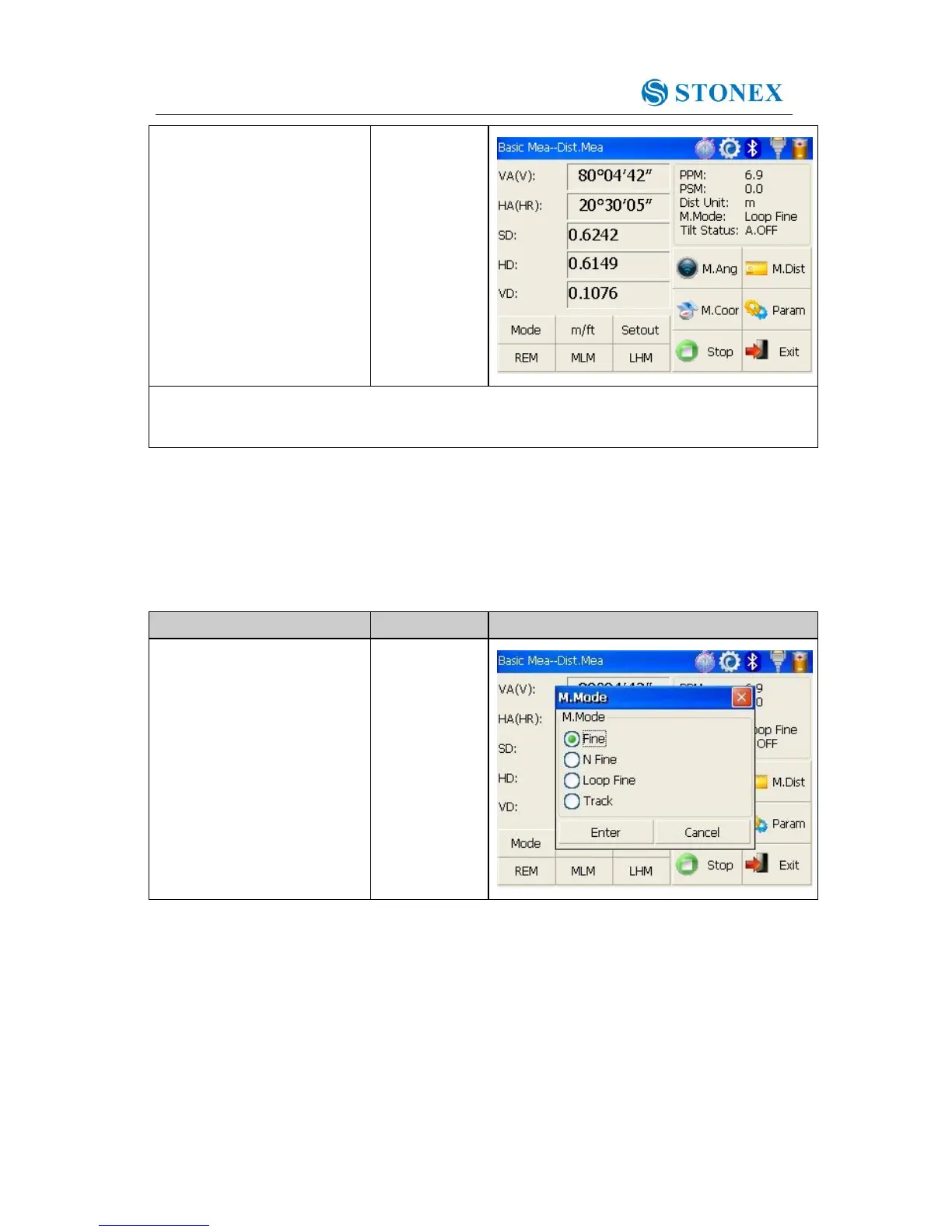
※ 1 Click “mode” key if you wanna change measurement mode, as step ③ shows.
※ 2 Click “M.Ang” key to return to angle measurement mode.
4.4.2 Fine/Tracking distance measurement
When you preset the measuring times, the instrument will carry out distance measurement
and display the average distance according to the setting times. If you preset single
observation, the average distance won’t be displayed. In general, the factory default is set
as single observation.



 To Next Page