R2W PLUS
8
1.5 Touch screen calibration
When you operate on the screen, if your device isn’t responding to your taps, you may need to
recalibrate your screen. In any picture, press the combination key “CTRL+TAB” so as to enter
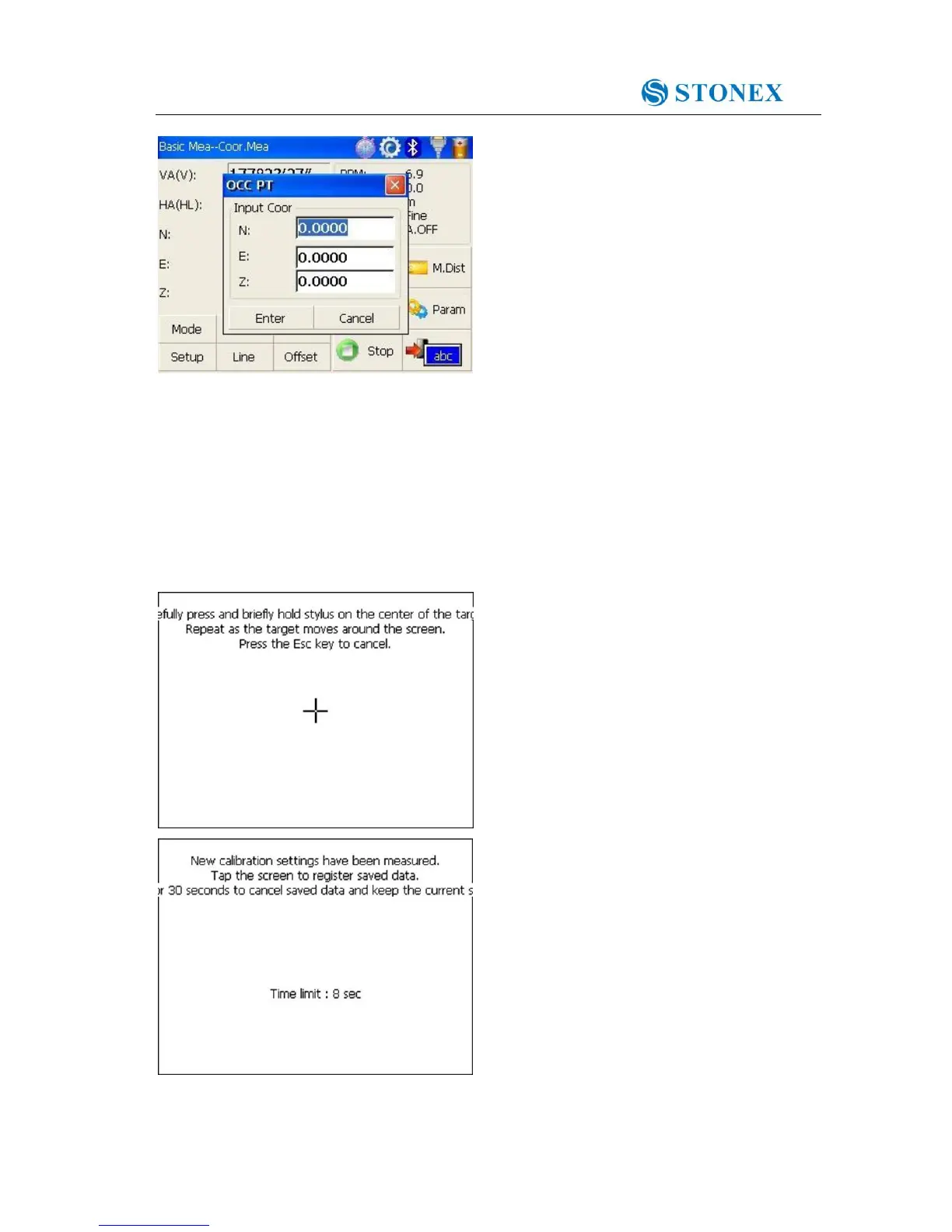
into touch screen calibration. The calibration process is shown in the figure below.
1) Carefully press and briefly hold stylus on
the center of the target. Repeat as the target
moves around the screen.
2) After all the targets are clicked, the screen
will display as left, tap the screen to register
saved data. The screen goes back to Stylus
Properties menu.



 To Next Page