9
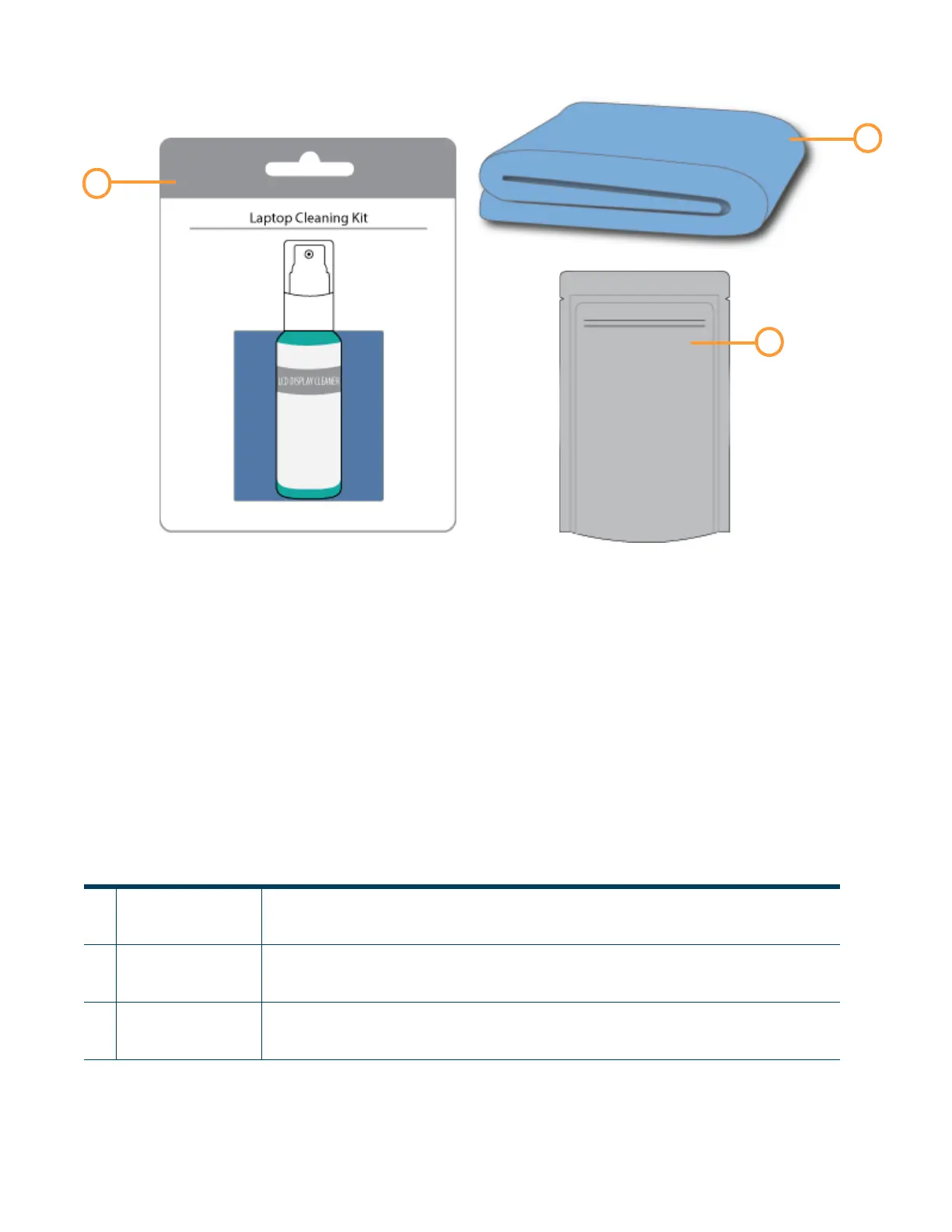
Figure 2-3: Welcome Kit Contents - Cleaning Supplies & Storage Materials
Table 2-3: Key for Figure 2-4
1
Touchscreen
Cleaning Kit
From repeated use, the touchscreen may become dirty and occasionally need to be cleaned.
Only use suitable LCD cleaning agents when cleaning the touchscreen. See “Cleaning the
Touchscreen Display” on page 167 for cleaning instructions.
2 Microfiber Cloth Various components of the printer may become dirty and occasionally need to be cleaned.
Only use a suitable microfiber cloth to clean these components. See “Cleaning the Exterior
Surface of the Printer” on page 167 for cleaning instructions using this cloth.
3 Resealable Bag (x6) When unloaded, non-empty model and support material spools should be stored within these
bags to prevent moisture from contacting the spool’s filament (see “Handling/Storing
Materials” on page 116).















 To Next Page