Insight 3.7 Installation Guide page 6
____________________________________________________________________________________
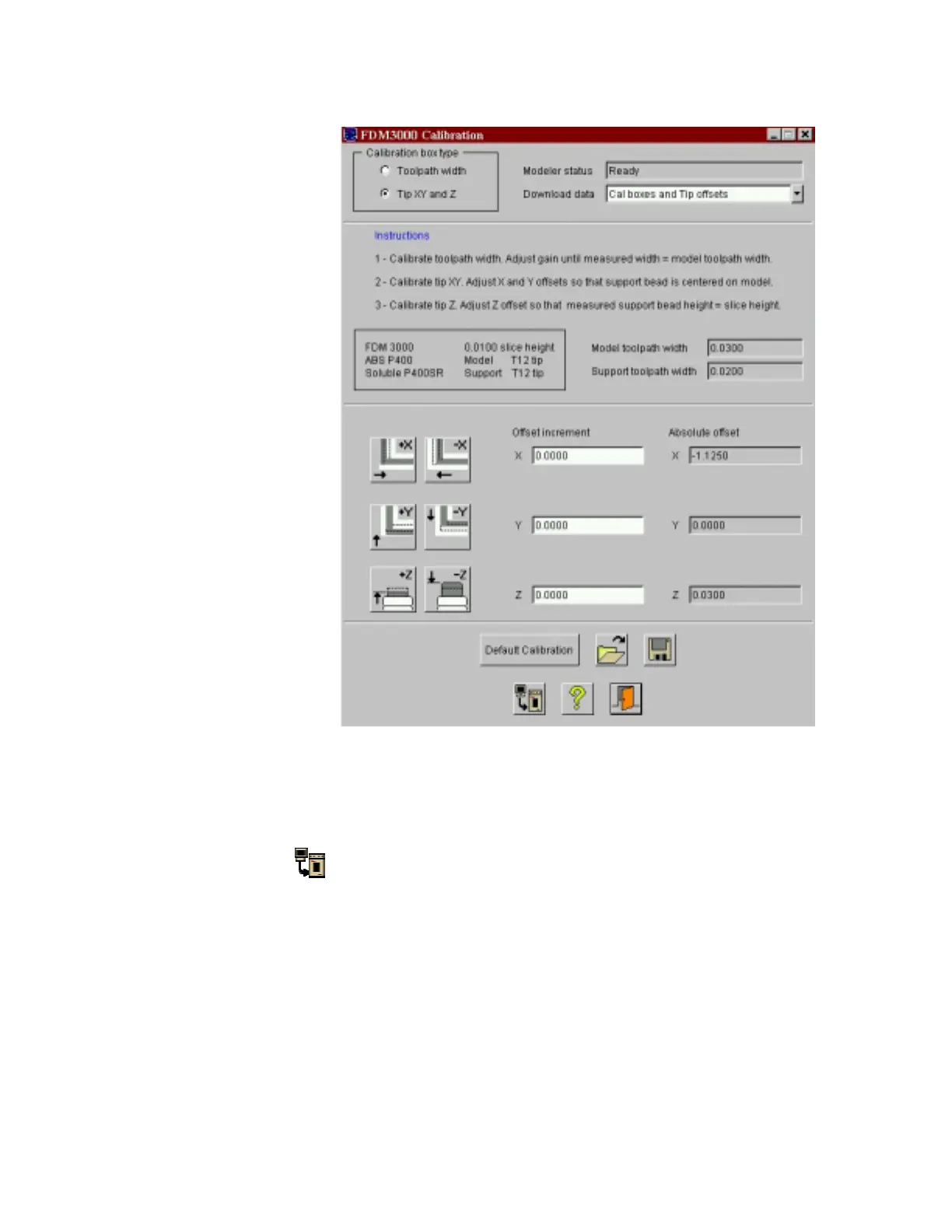
7. Choose Cal boxes and Tip offsets as the type of Download data. For tip-offset calibration,
you will want to download the current offsets and a calibration box.
8. Click the Download
button to build an initial calibration box using the current modeler
configuration and offset values.
9. The FDM Pause light will start to blink. Press the Pause button to initiate the XYZ homing
procedure. When the Pause light starts to blink again, the extrusion head will be in the front-
left corner. Lower the tip so that it is slightly embedded in the foam. Press the Pause light
again to start building the calibration box.
10. Verify the results and modify the X and Y offsets to center the support material directly on
top of the model material. Do this by clicking the +/- X and +/- Y buttons to shift the location
of the support material bead. You can also enter numeric values for the X and Y offset
increments.















 To Next Page