AbraPol-10
Instruction Manual
17
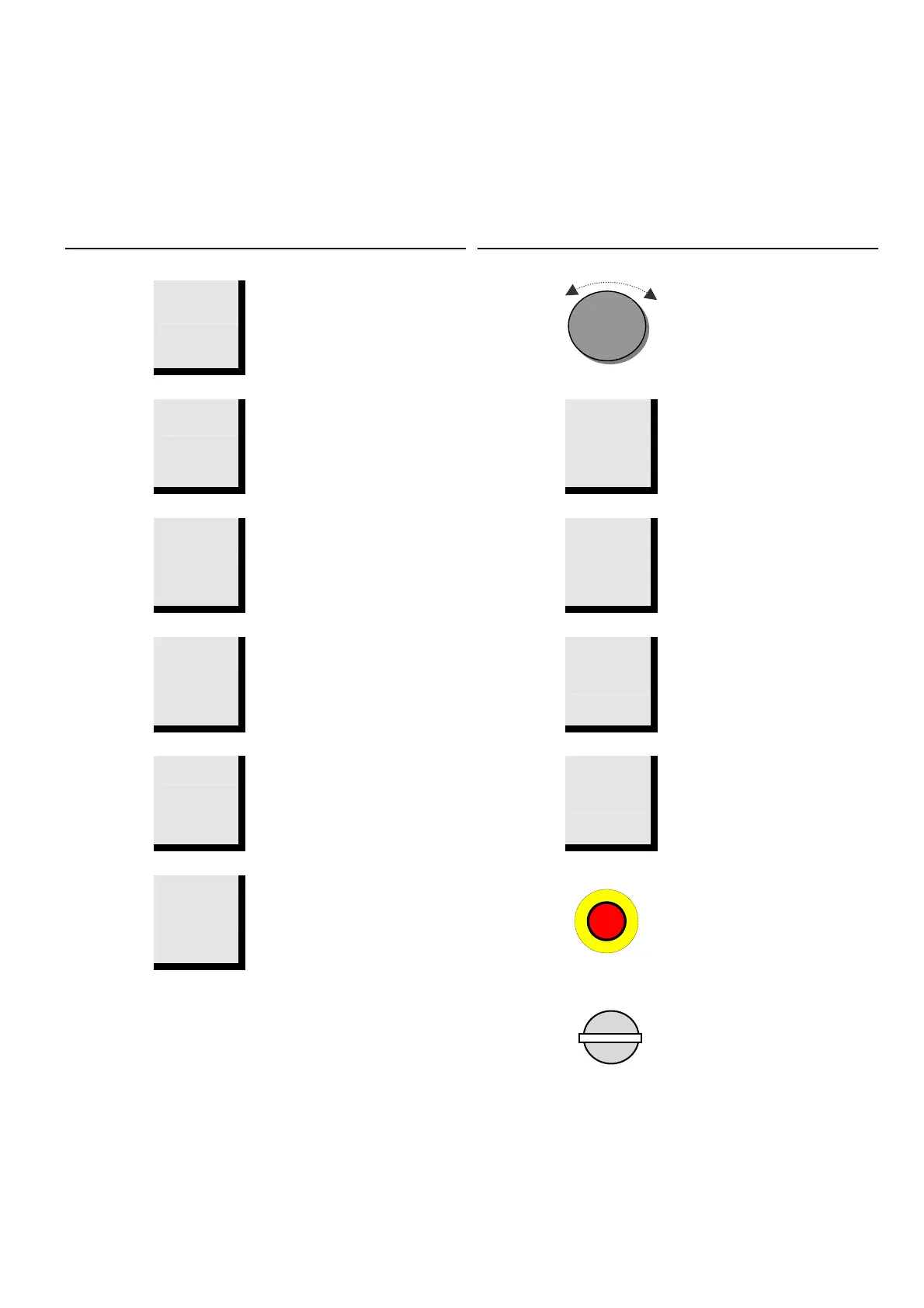
Name Key Function Name Key Function
1
FUNCTION
KEY
F1
Controls for various purposes.
See the bottom line of the
individual screens.
7
Push/Turn
Knob
Used for entering and changing
steps and parameters.
Combined cursor and enter key.
2
FUNCTION
KEY
F2
Controls for various purposes.
See the bottom line of the
individual screens.
8
DISC
d
Starts the rotation of the disc.
3
FUNCTION
KEY
F3
Controls for various purposes.
See the bottom line of the
individual screens.
9
Water
w
Activates the water flow.
Remember to adjust the flow on
the water tap.
4
FUNCTION
KEY
F4
Controls for various purposes.
See the bottom line of the
individual screens.
10
LUBRICANT
l
Manual dosing of lubricant
5
Esc
ESC
Leaves the present menu or
aborts functions/changes.
11
ABRASIVE
a
Manual dosing of abrasive
6
STOP
o
Stops the preparation process.
EMERGENCY
STOP
- Push the red button to stop.
- Pull the red button to release.
MAIN
SWITCH
The main switch is located on
the right side of the machine.
Front Panel Controls



 To Next Page