AbraPol-10
Instruction Manual
49
Pushing the knob allows you to adjust the pre-dosing between 0
and 30 seconds.
Pushing the knob
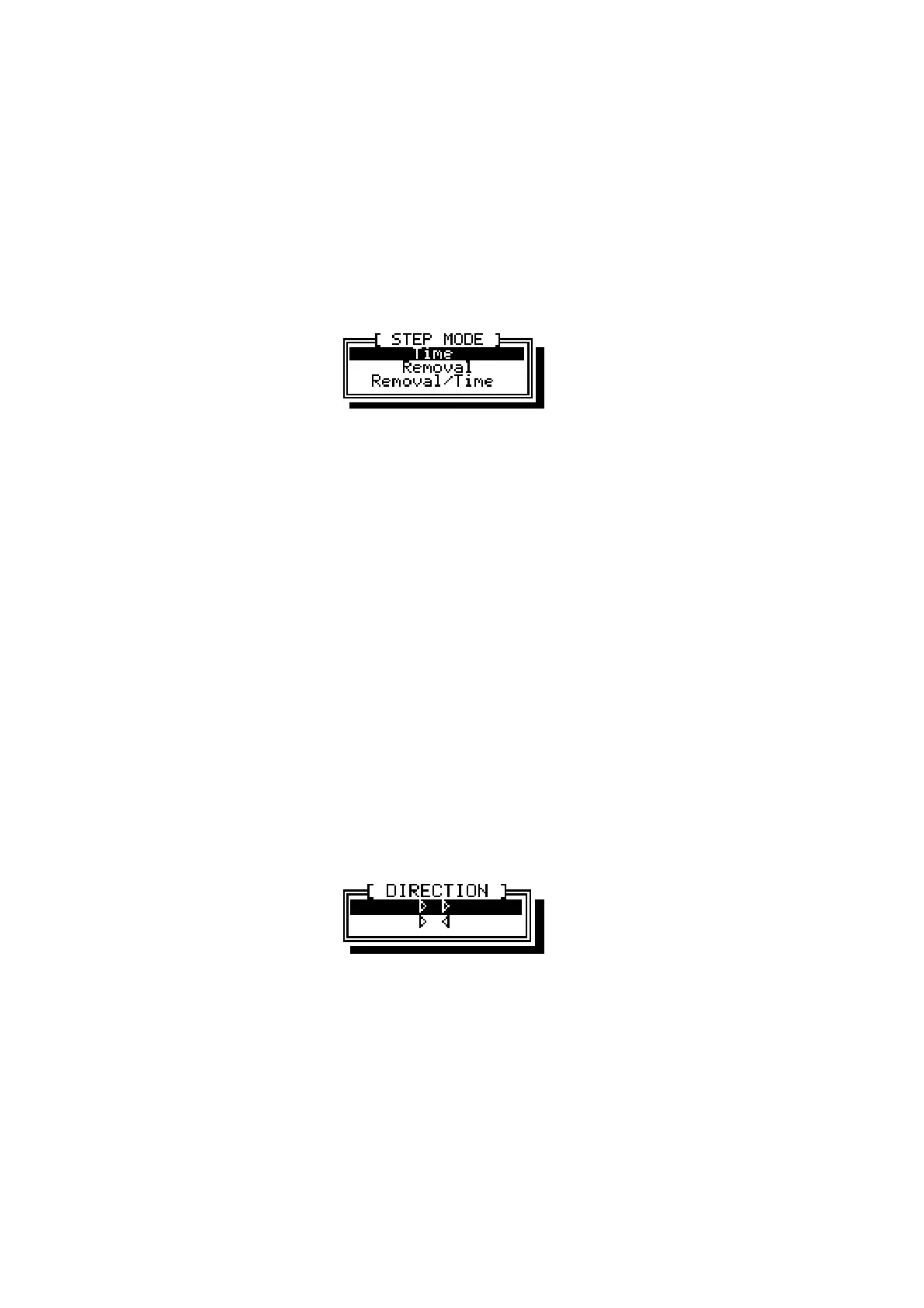
e allows you to select between the 3 different
modes:
The preparation time can be specified in both a main and a final
phase. Usually the main phase is used to remove a large amount
of material, by using high forces and longer times, whereas the
final phase is used to improve the scratch pattern by applying
lower forces for a short while at the end of the preparation step.
The preparation removal can be specified in both a main and a
final phase. Using only one phase gives better measurement
accuracy. The stock removal sensor must be installed to use this
parameter.
A combination of the above. First a specified amount of material
is removed using a relatively high force. Thereafter the specimens
are run for a short while at a low force to improve the scratch
pattern. The stock removal sensor must be installed to use this
parameter.
Pushing the knob allows you to select between 150-300 rpm.
Turning the knob allows you to toggle between co- or counter
rotation. Push the knob to choose
The direction of rotation of the specimen mover can be set to
either co- (
]]
) or counter (
][
) rotation. Co-rotation will give the
best preparation result and the most uniform polishing. Counter-
rotation can be used when polishing using oxide polishing
suspensions to keep the suspension on the polishing cloth.
Pre-dosing
Step Mode
Time
Removal
Removal/Time
Sample Mover
Direction



 To Next Page