EN-35
DRAFT
Using the iSWITCH Wireless Footswitch
The Crossre2 system can be used with the iSWITCH Wireless Footswitch
System.
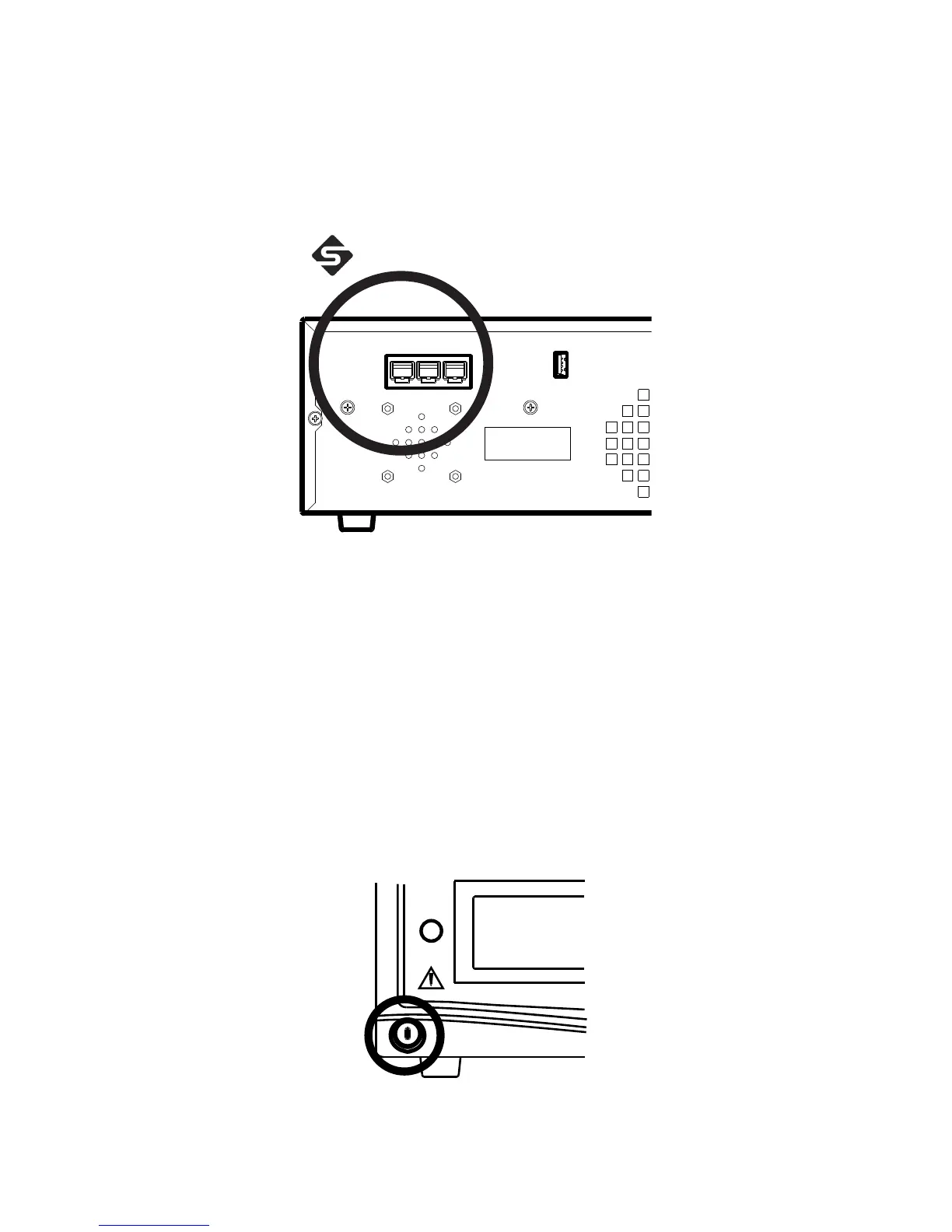
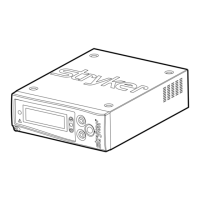
1. Connect the Crossre2 console to the iSWITCH console using one of
the Firewire connection ports on each console.
2. Consult the iSWITCH Operating and Maintenance Manual (P/N1000-
400-700) for further operation instructions.
Powering the Console On and O
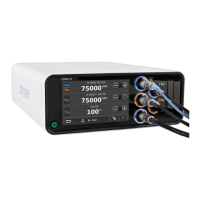
Press the power button to power the console on and o. The button will shine
green when the console is on.










 To Next Page