EN-37
DRAFT
System Settings
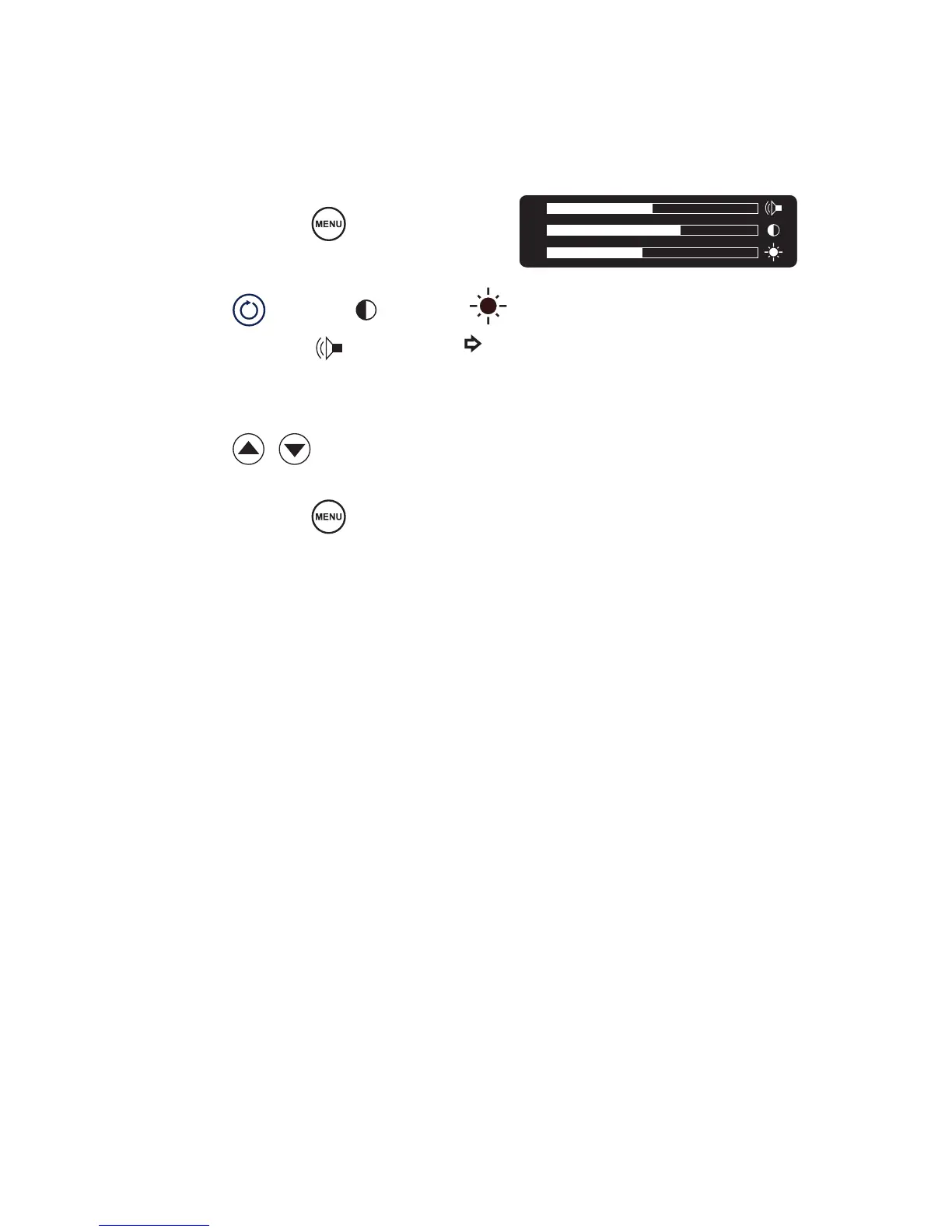
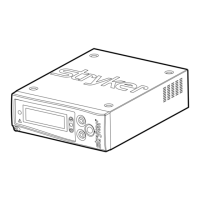
System settings, such as screen brightness, contrast, and system sound can be
adjusted through the Crossre2 interface.
1. Press and hold
.
2. Press
to choose
(contrast),
(brightness), or (sound). (The will
indicate your selection.)
3. Press
to adjust.
4. Press and hold
to exit.
(Note: A short press will display
the current version of the console
software.)










 To Next Page