www.stryker.com 2131-209-001 REV A 33
Return To Table of Contents
MAIN MENU: SCALE (CONTINUED)
Zero Button
When the “Zero” button is pressed on the Scale
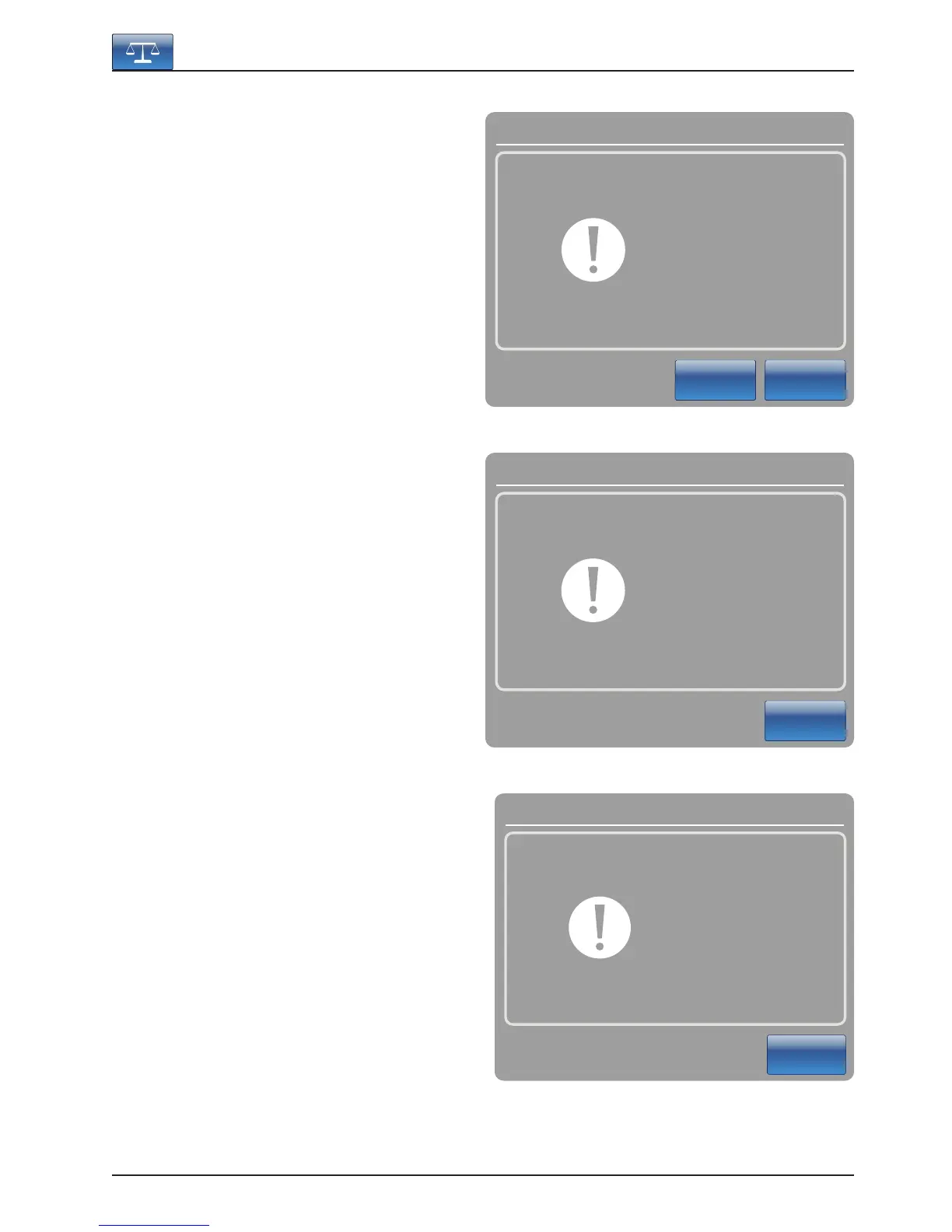
screen, Figure 5.3 will be displayed.
If “Ok” is pressed, the bed will start zeroing the
scale and the “Do not touch bed” message will ap-
pear as shown in Figure 5.4.
If “Cancel” is pressed, the command will be
cancelled. If the bed gets into an auto shutoff at
this stage, the Zero request will be cancelled.
When the “Do not touch bed” message disappears,
Figure 5.5 will be displayed.
When the zeroing of the scale is complete, Figure
5.5 will be displayed.
Note
The “Zero” function will reset all the values for the
different patient’s weights. All the data stored in the
touch screen concerning the weight of the patient
will be lost.
Footboard Operation Guide
Ok
Cancel
Scale Zero ?
Message
Figure 5.3
Figure 5.5
Figure 5.4
Message
Close
Do not
touch bed
Close
Zero success !
Message













 To Next Page