18
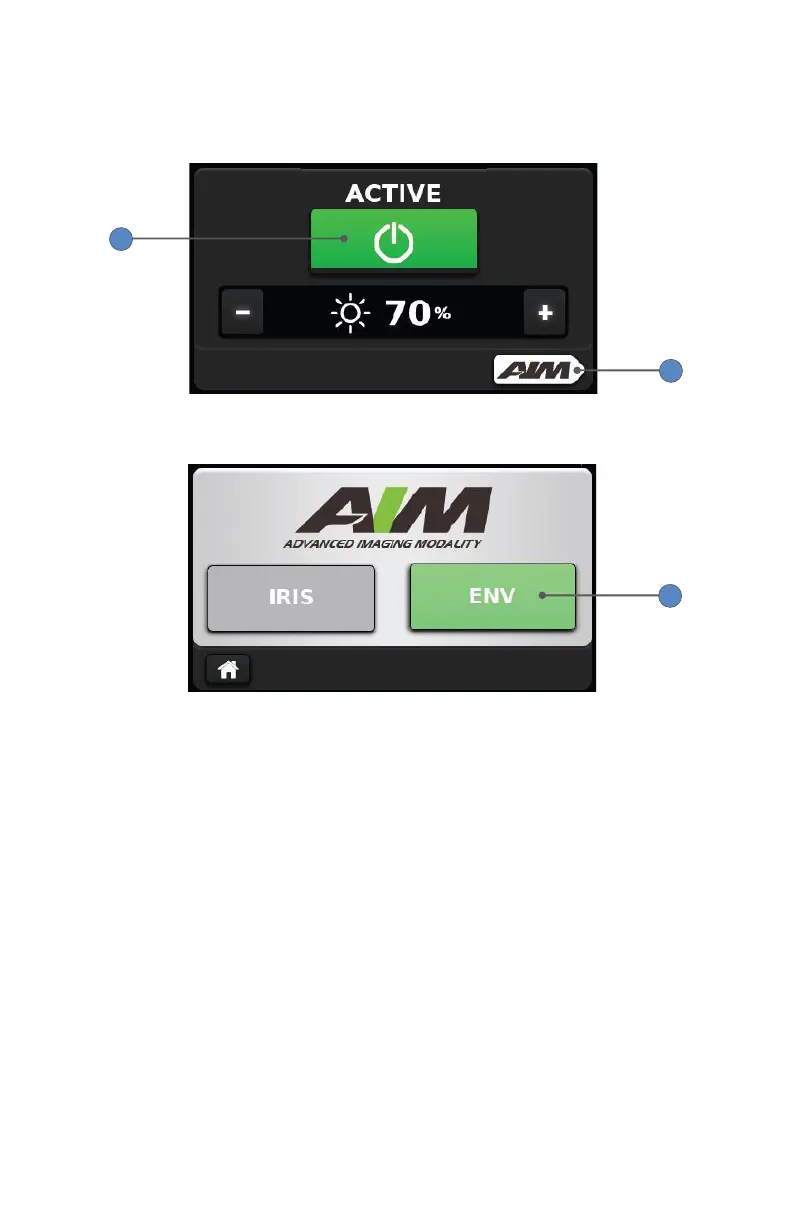
2. On the default White Light screen, press the touchscreen power button
so it appears green and the word “Active” appears above it.
3. Press the AIM button.
2
3
4. On the Advanced Imaging Modality screen, press the ENV mode button.
4
Note: When the ENV mode button is green, the L10 AIM Light Source is
properly connected to the 1588 AIM Camera Control Unit and the AIM
SafeLight Cable, and ENV mode can be activated. If the ENV mode button
is gray, required equipment may not be properly connected and ENV
mode is not available. Refer to the Setup section.










 To Next Page