pg 18
DIG - dual digital delay
Power Up Modes
Bypass Mode
Setting DIG to Buffered Bypass mode preserves the high frequency
response of your guitar signal through your pedal chain and long cable
runs�
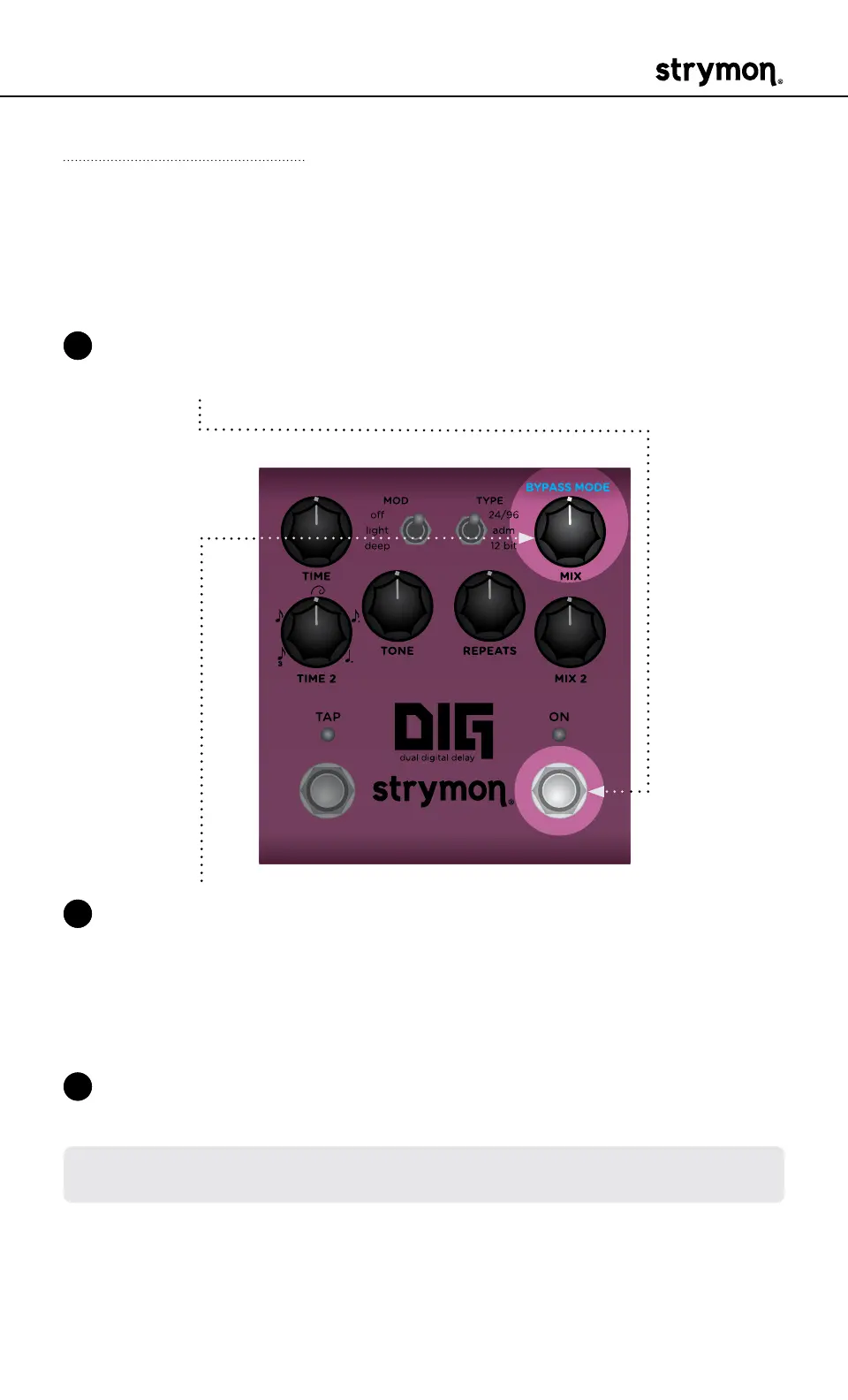
1 Press and hold the ON footswitch while powering up DIG� Once both
LEDs flash, release the footswitch�
2 Turn the MIX (BYPASS MODE) knob to choose between True Bypass
or Buffered Bypass modes� The ON LED will change color to indicate
the current status as you turn the knob�
• True Bypass: GREEN (default)�
• Buffered Bypass: RED
3 Press either footswitch to store the Bypass Mode and begin using
DIG�
NOTE: The Bypass Mode setting persists across power cycles and is not
saved per preset�



 To Next Page