pg 14
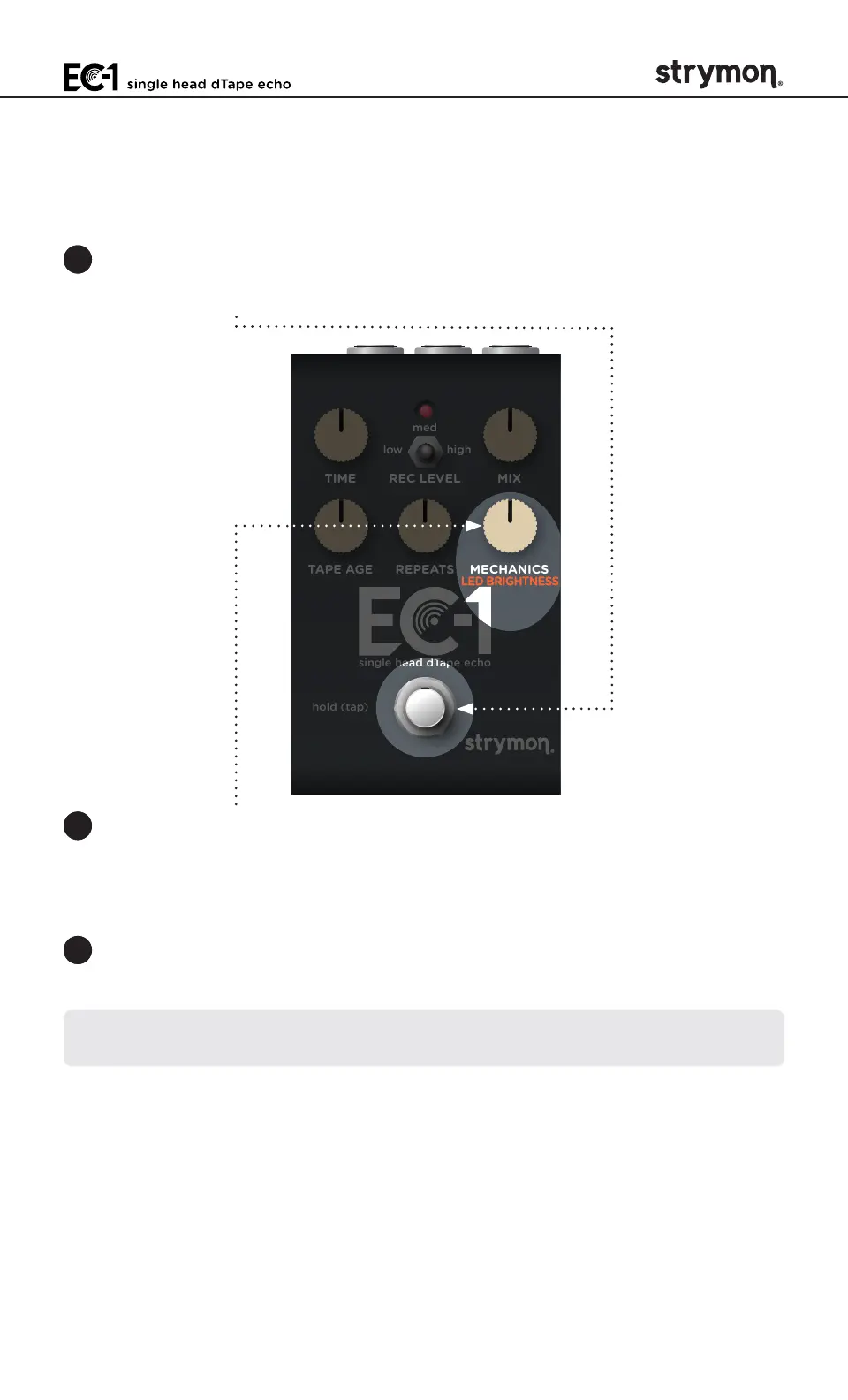
LED Brightness
You can adjust the brightness of EC-1’s LED to optimize visibility in any
environment or lighting conditions�
1 Press and hold the FOOTSWITCH for at least 2 seconds while powering
up EC-1� Once the LED flashes RED, release the footswitch�
TIME REC LEVEL MIX
TAPE AGE REPEATS MECHANICS
low high
med
hold (tap)
single head dTape echo
2 Press and hold the
FOOTSWITCH
again and turn the
MECHANICS
(LED
BRIGHTNESS) knob to adjust the brightness of the LED from low to
high (the default)� Release the
FOOTSWITCH
when your adjustment
is complete�
3 Press and release the
FOOTSWITCH
to store the LED Brightness
setting and begin using EC-1�
NOTE: The LED Brightness setting persists across power cycles and is not
saved per preset�



 To Next Page