pg 33
MIDI Functionality (continued)
Saving Presets in MIDI Mode
When in MIDI Mode, the currently loaded settings can be saved to any of
EC-1’s 300 preset locations at any time�
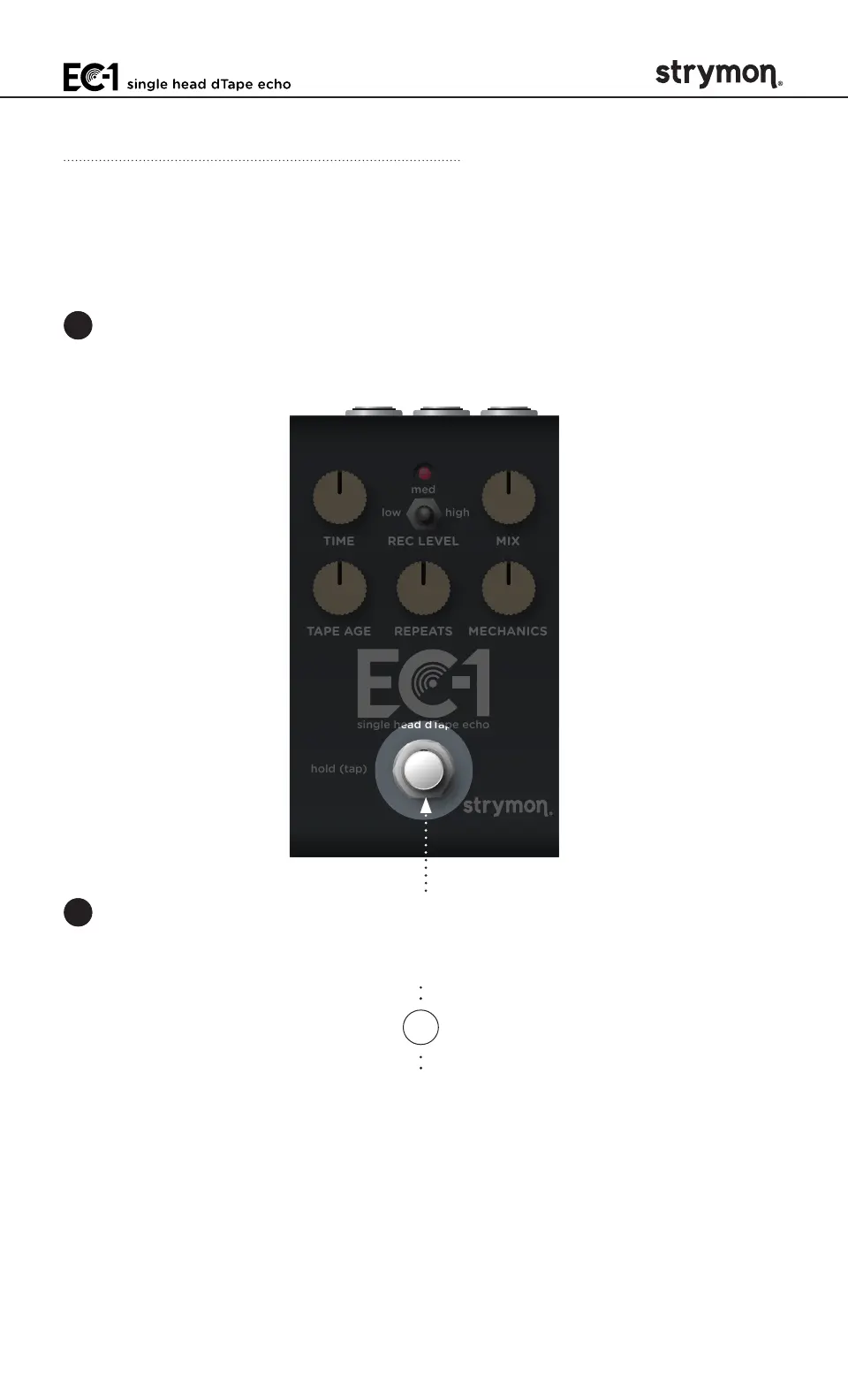
1 To enter Save Mode, press and hold the
FOOTSWITCH
for at least 3
seconds, until the LED blinks GREEN to indicate that EC-1 is waiting
to receive a MIDI Program Change message�
TIME REC LEVEL MIX
TAPE AGE REPEATS MECHANICS
low high
med
hold (tap)
single head dTape echo
2 To save the current state of the pedal to the currently loaded preset
location, press and hold the footswitch for at least 3 seconds until the
LED lights BLUE�
OR
To save the current state of the pedal to any preset location, send
the unit a MIDI Program Change on EC-1’s currently selected MIDI
channel� For example:
• Send MIDI Program Change #10 to save the preset to the
corresponding memory location on the pedal�
• To recall this preset, send MIDI Program Change #10 from your
MIDI controller or sequencer�



 To Next Page