pg 25
Configuring MultiSwitch Plus for EC-1
Configure MultiSwitch Plus for use with EC-1 for either PRESET Mode
for preset selection or CUSTOM Mode for TAP - FAVORITE - INFINITE
control�
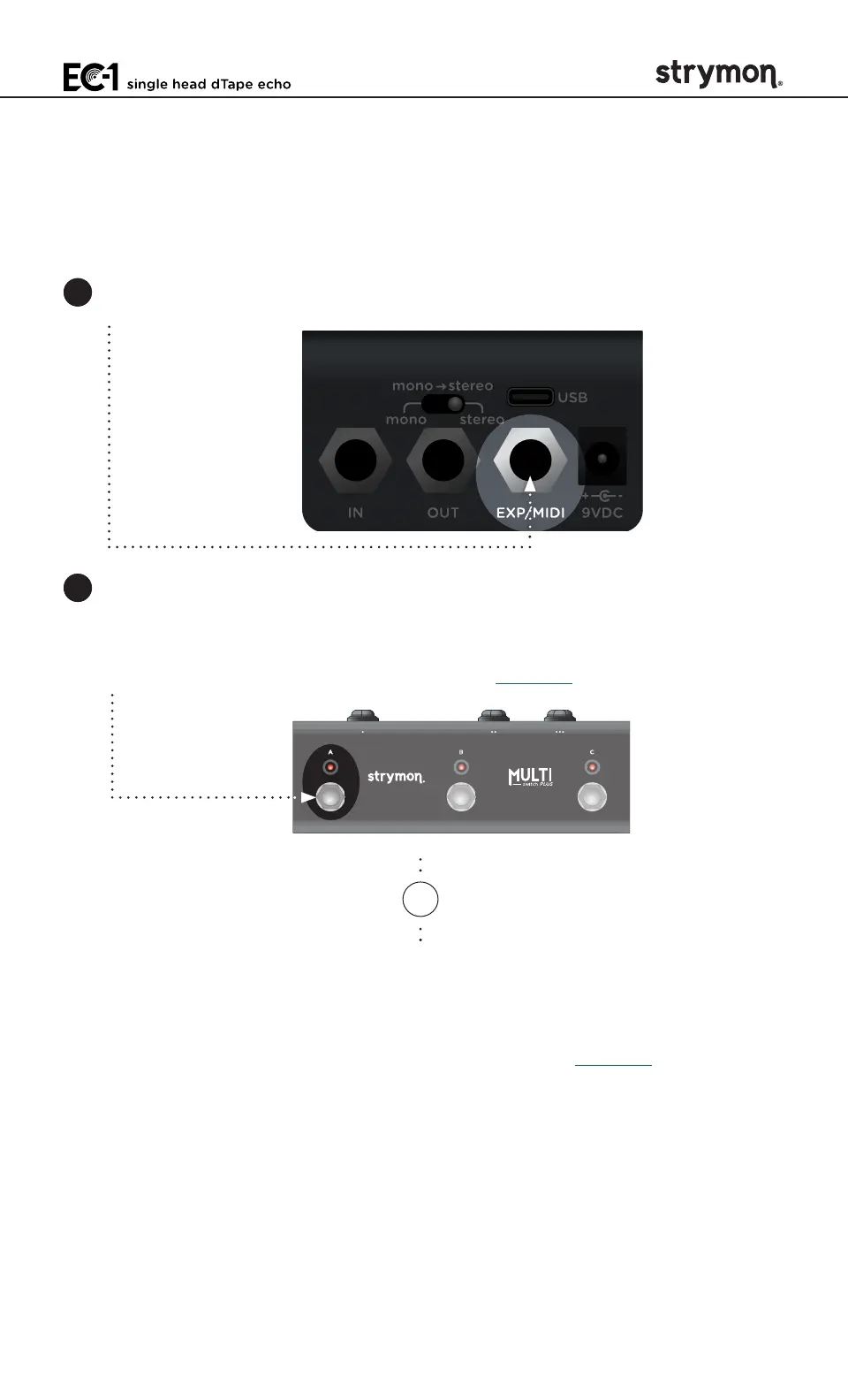
1 Connect a TRS cable to EC-1’s EXP/MIDI jack� Power on EC-1�
2 For PRESET Mode - Press and hold the A footswitch on MultiSwitch
Plus while connecting the other end of the TRS cable to any one of
the three jacks� The three LEDs on MultiSwitch Plus will blink GREEN
when you release the A footswitch� See page 26�
OR
For CUSTOM Mode - Press and hold the C footswitch on MultiSwitch
Plus while connecting the other end of the TRS cable into any one
of the three jacks� The three LEDs on MultiSwitch Plus will blink
GREEN when you release the C footswitch� See page 27�



 To Next Page