pg 26
External Control
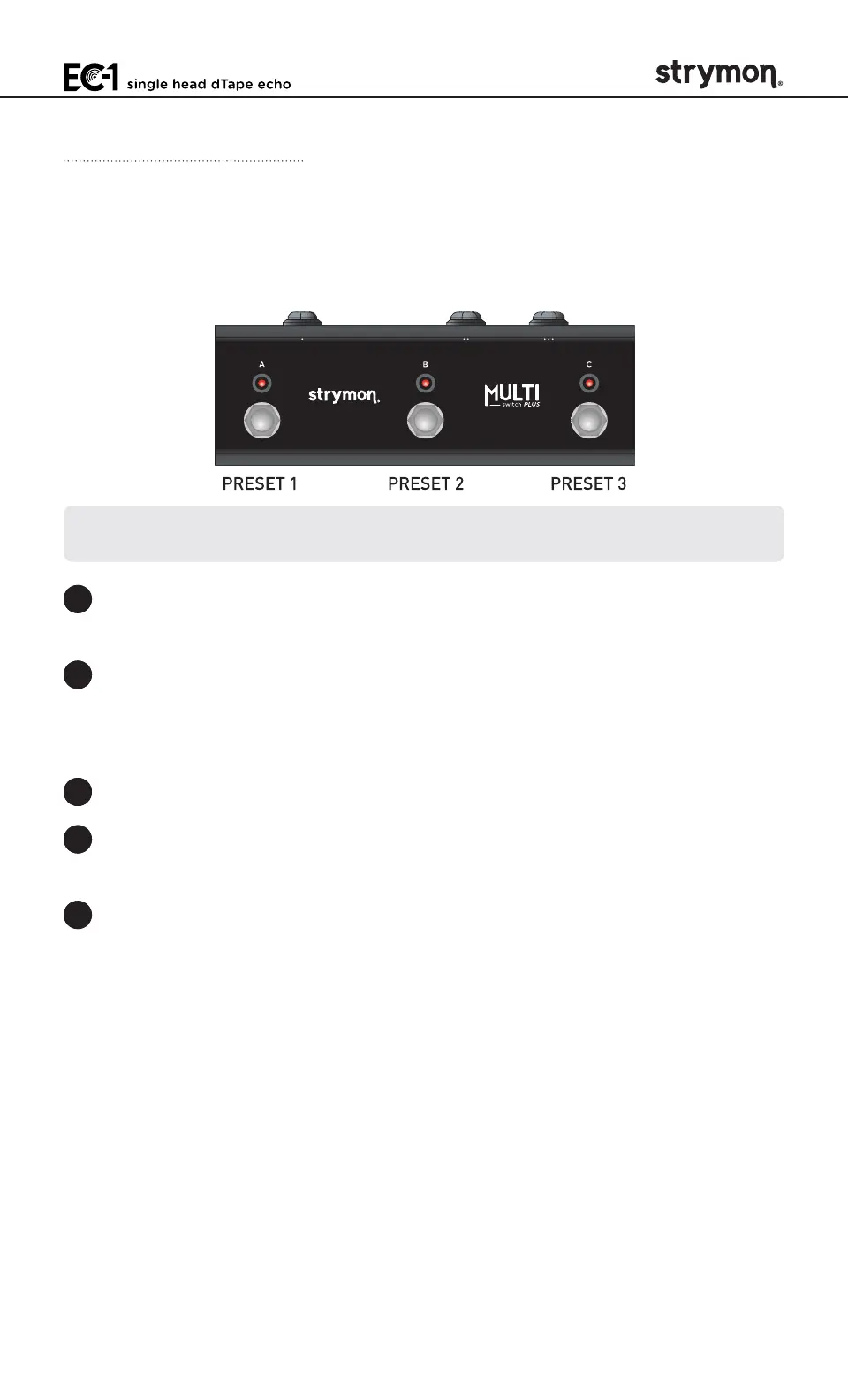
Using MultiSwitch Plus in Preset Mode
When using EC-1 with MultiSwitch Plus in Preset Mode, the three
footswitches provide access to Presets 1, 2, and 3�
NOTE: Footswitches A, B, and C on MultiSwitch Plus correspond to MIDI
Program Changes 1, 2, and 3�
1 Step on a switch that is not illuminated to recall the corresponding
preset�
2 Step on an illuminated switch to bypass EC-1�
Saving EC-1 Presets with MultiSwitch Plus:
1 Dial in the sound that you would like to save as your preset on EC-1�
2 Press and hold the EC-1
FOOTSWITCH
for at least 3 seconds, until its
LED blinks GREEN�
3 Press the A, B, or C MultiSwitch Plus footswitch to save the current
state of the pedal to the desired location�



 To Next Page