pg 16
Configuring the EXP/MIDI Jack (continued)
• MIDI Mode: BLUE - Allows for the use of a Strymon MultiSwitch
Plus or an external MIDI controller:
• MultiSwitch Plus - A MultiSwitch Plus device can be set to
PRESET Mode to access three presets or to CUSTOM Mode,
where its switches control TAP, FAVORITE, and INFINITE� (Also,
see “Configuring EC-1 for MultiSwitch Plus” on page 24�)
• MIDI -
Full MIDI functionality is available by sending MIDI Program
Change messages via 1/4” TRS MIDI connection using a Strymon
Conduit or MIDI EXP cable� Up to 300 presets are available via
MIDI� (See “Saving Presets in MIDI Mode” on page 33�)
TIME REC LEVEL MIX
TAPE AGE REPEATS MECHANICS
low high
med
hold (tap)
single head dTape echo
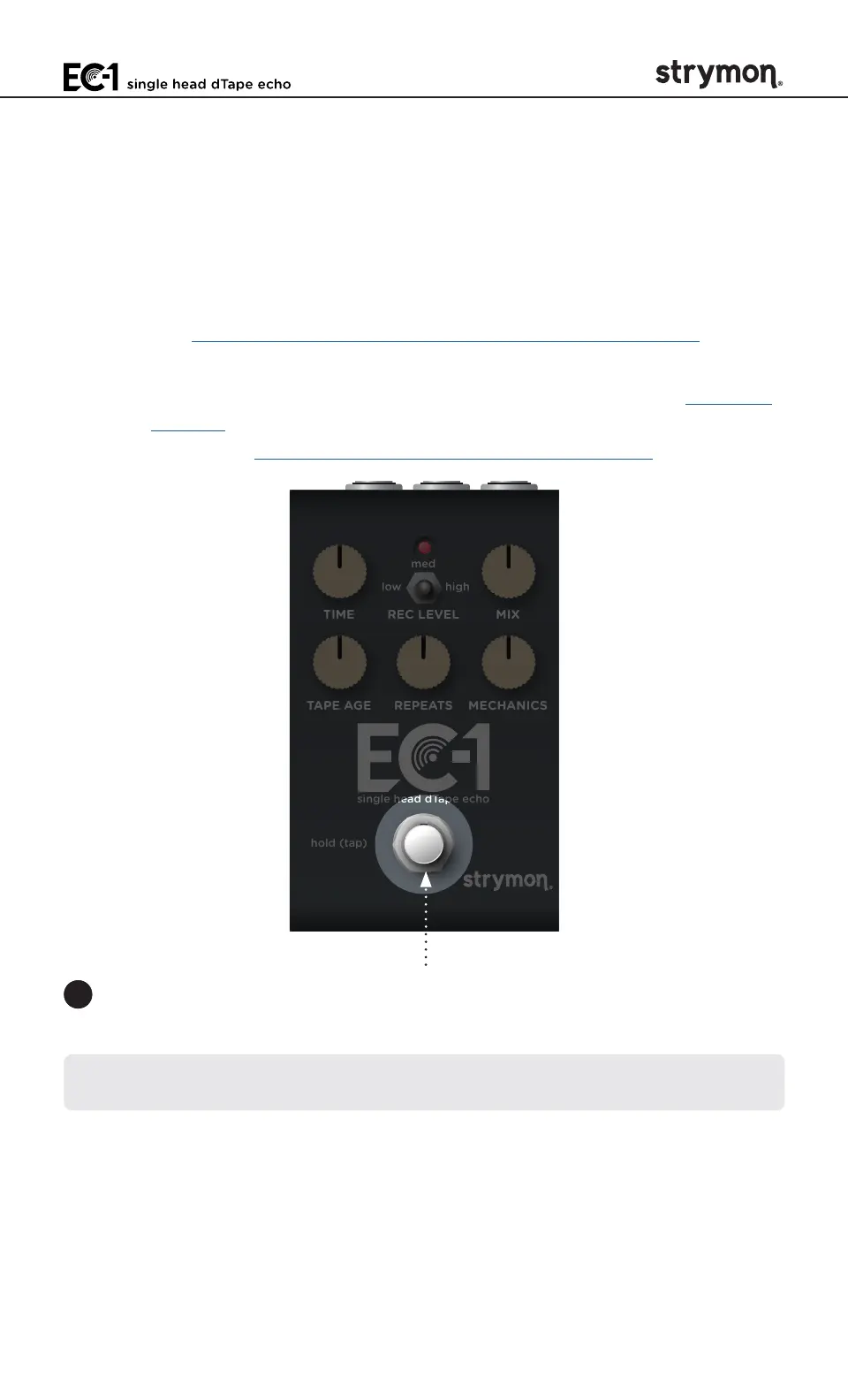
3 Press the
FOOTSWITCH
to store the selected EXP/MIDI Jack Mode
and begin using EC-1�
NOTE: The EXP/MIDI jack setting persists across power cycles and is not
saved per preset�



 To Next Page