11
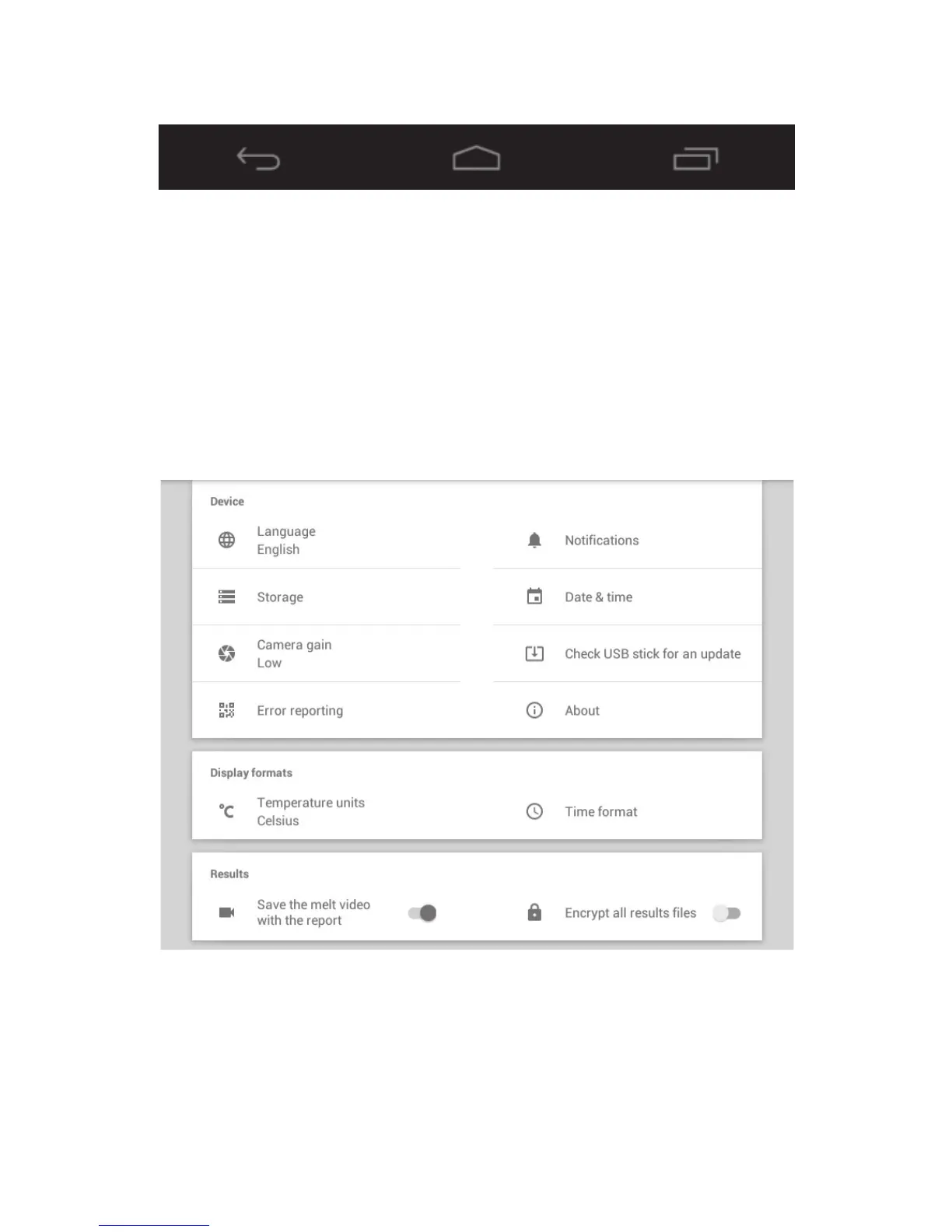
7.3 Navigation bar
Use the keys on the navigation bar to move between screens:
Back Home Menu
Returns to the Returns to the main menu Shows open
previous screen. screen at any time. applications.
8. Settings
Prior to using the SMP50 it is advised to set up the unit to your own preferences and geographical
location. For accurate record-keeping, set the date and local time before first use. Touching the
Settings card on the main menu screen will open the Settings menu. This consists of device settings,
display formats and results settings.
Settings menu



 To Next Page