14.4 Copying and deleting measurement files
Measurement files can be copied for editing or deleted when no longer required.
14.4.1. Copying or deleting single files
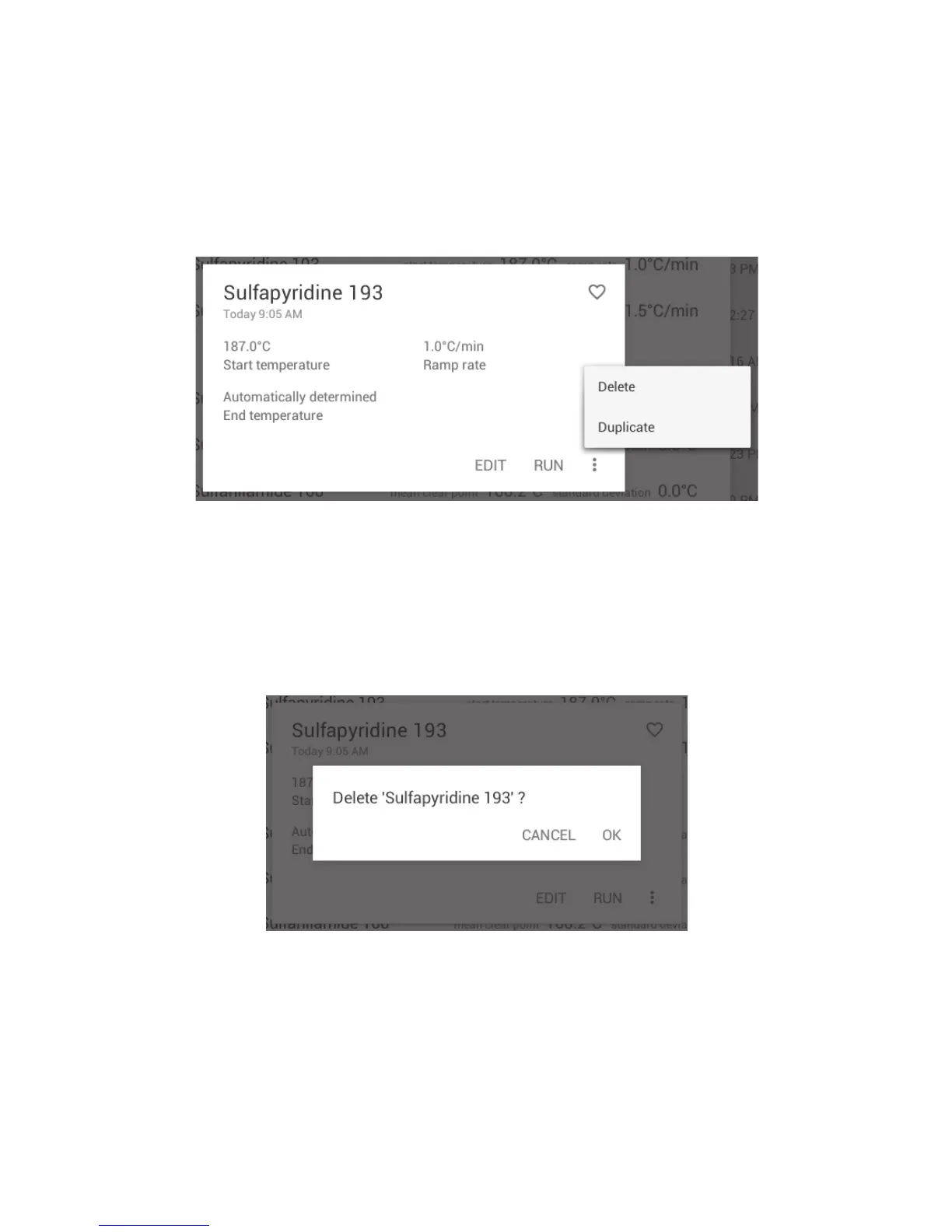
❖ Touch a measurement file to open the preview card.
❖ Touch the ‘Overflow’ icon to open the delete/duplicate options.
Delete or duplicate a single measurement
❖ Touch ‘Duplicate’ to copy the file or ‘Delete’ to delete the file.
When a file is copied it will be named ‘Copy of …’ followed by the original file name.
Before deleting a measurement, the instrument will display a warning as a check to ensure you wish
to continue with the deletion.
Warning check before deleting a Measurement
❖ To permanently delete the file, touch ‘OK’.
❖ To abort the deletion, touch ‘CANCEL’.
35



 To Next Page