13
file can then be stored in a 21 CFR part 11 compliant system. In order to access the results we provide
a reader application which allows a copy of the results to be exported from the encrypted file whilst
keeping the original results intact and unchanged.
Any system seeking to be compliant with US FDA 21 CFR part 11 must still ensure all other provisions
of the regulation are met such as security, auditing, validation and the maintenance of records in an
electronic format, along with their submission to the US FDA.
9. Creating a user account
The SMP50 gives you the option to create your own password-protected user account. When signed
into your account you will be able to set up your own user settings profile.
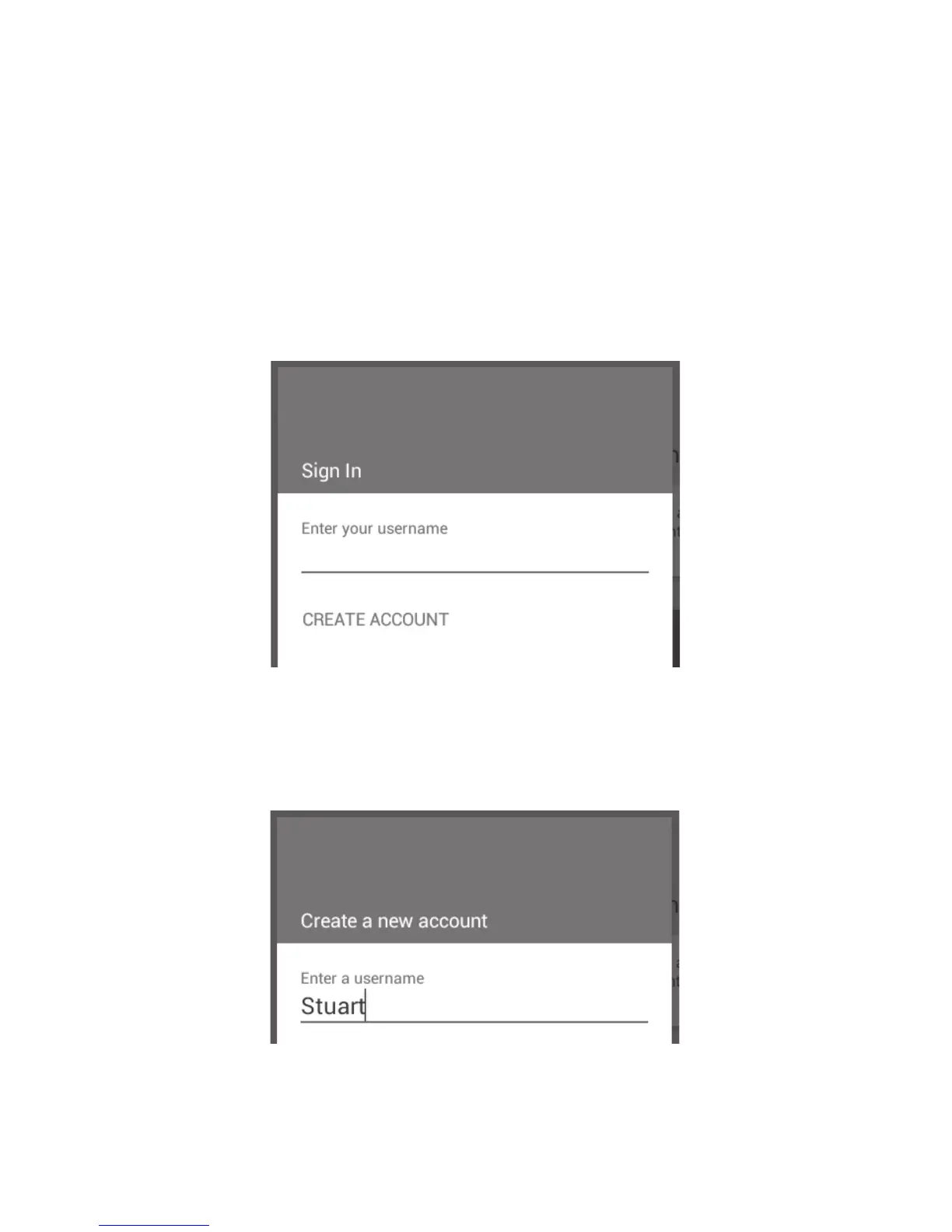
❖ To create a new account, touch the ‘Sign In’ card.
Sign in card
❖ Touch ‘CREATE ACCOUNT’. This will allow you to create a new user account.
❖ Enter a username followed by ‘Next’ on the keypad (not shown).
Enter a username for the account
❖ Enter and confirm a password then touch ‘Create’ on the keypad.



 To Next Page