15
10. Setting up a new measurement
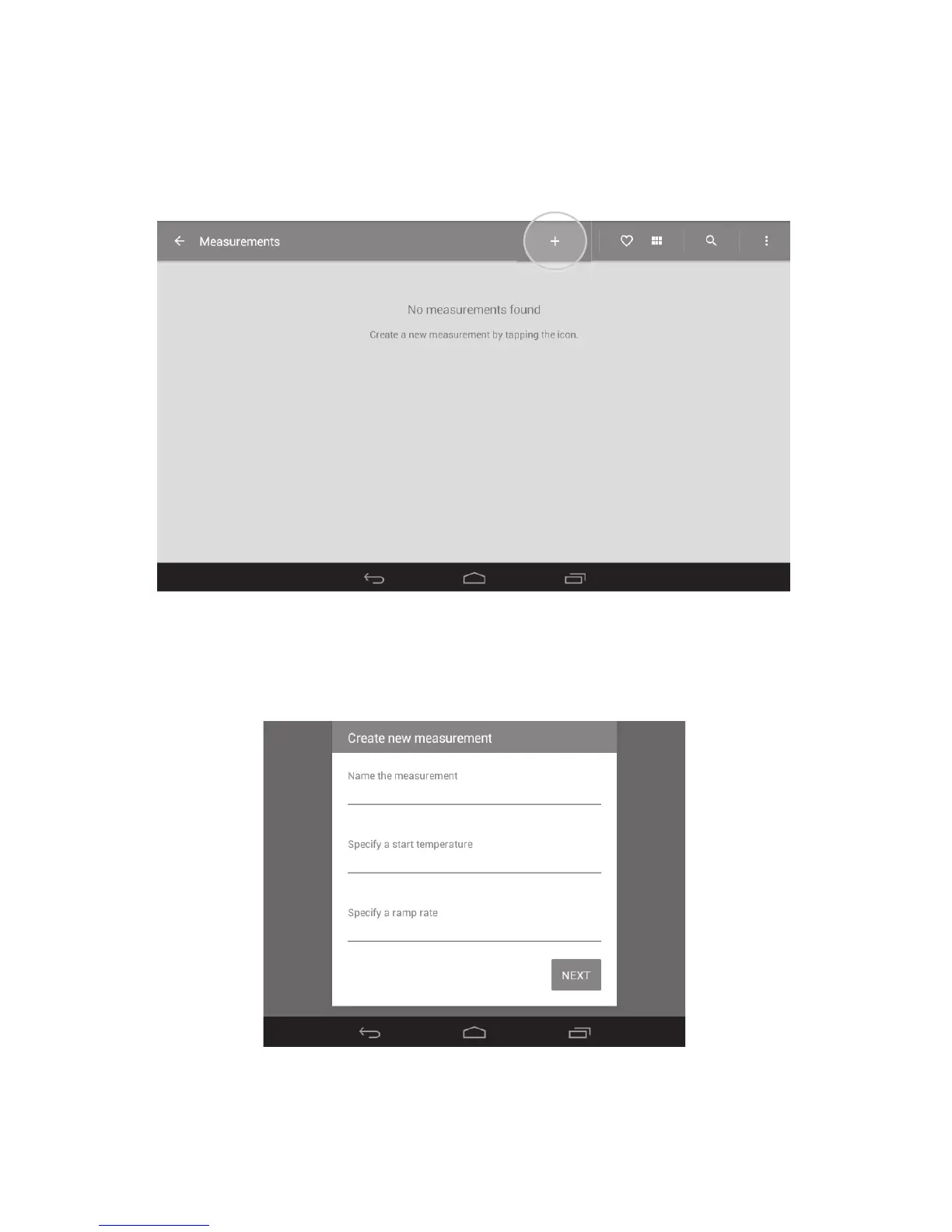
To run a melting point determination you will need to create a measurement profile. This will include
the measurement name, start temperature and ramp rate.
❖ Touch the ‘Measurements’ card on the main menu screen to open the Measurements folder.
❖ Create a new measurement by touching the ‘+’ icon on the action bar at the top of the screen.
Measurements folder with ‘+’ icon highlighted
❖ Touch the card to activate the keypad. Using the keypad (not shown), type in a name for the
measurement followed by ‘Next’.
Naming and specifying the measurement



 To Next Page