19
11.3 Starting a measurement
❖ Place the prepared capillaries in the sample compartment and close the lid.
❖ From the main menu screen select the ‘Measurements’ card.
❖ Swipe up or down the screen to find the required measurement program and touch to open. If
the measurement has not yet been defined, please follow section 10, Setting up a new
Measurement.
Note: If there are many measurements saved on the instrument, the search function may help to find
the required file more quickly. Please see section 14.2 for how to search for a file.
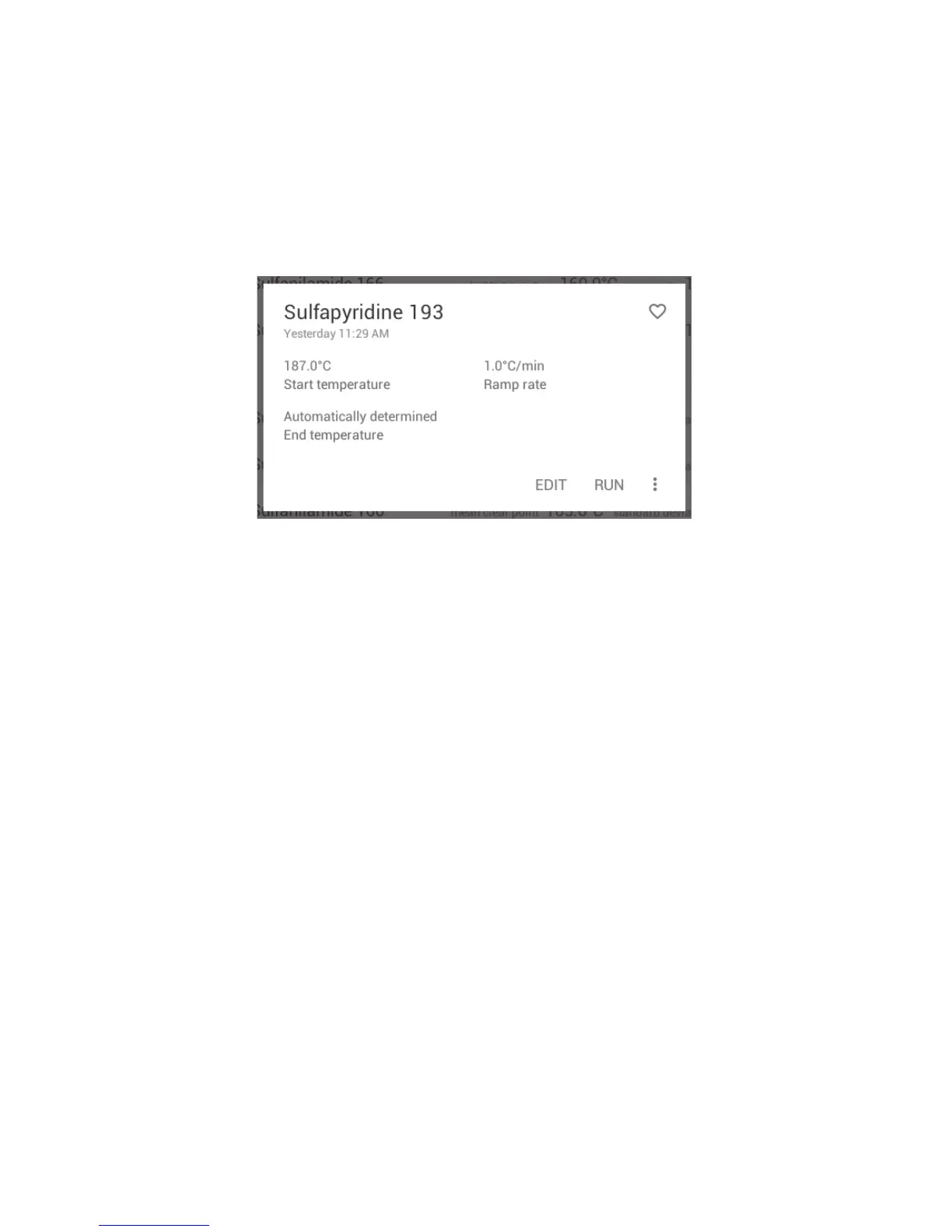
Measurement file card open
The measurement file card shows a summary of the measurement parameters.
❖ Touch ‘RUN’ to start the measurement.



 To Next Page