25
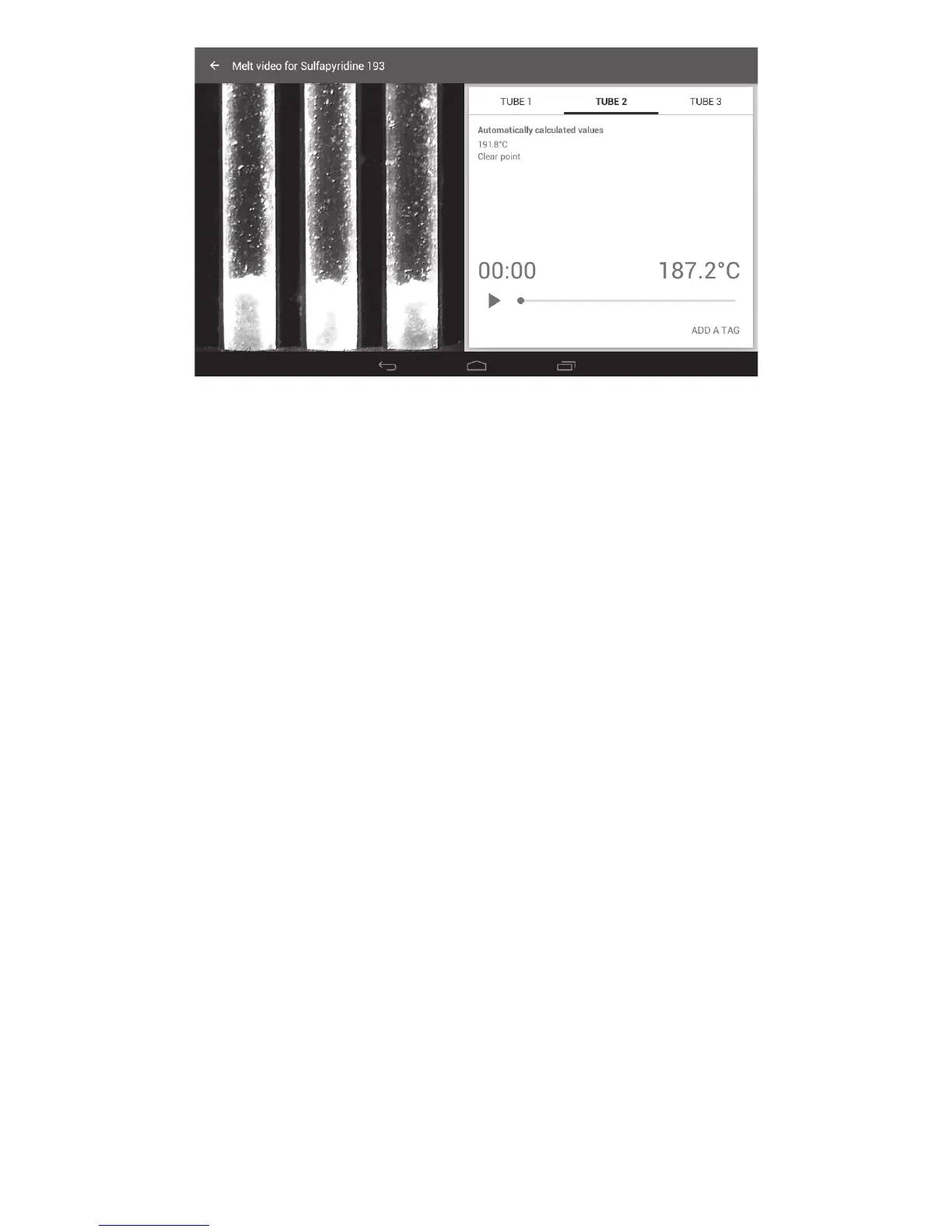
Melt video screen
❖ To replay the melt video, touch the ‘Play’ icon . The video will run in real time.
❖ To pause playback, touch the ‘Pause’ icon II.
❖ To skip to any point in the video, slide the progress dot ● across the screen.
❖ Touch ‘TUBE 1’, ‘TUBE 2’ or ‘TUBE 3’ to view the automatically calculated values for each capillary.
13.1 Manual event tagging
Each melting point determination may contain events of interest that require highlighting in the Melt
report. The SMP50 allows you to review the melt video and add defined event information for each
individual capillary tube. Both the automatically determined events and any manually added events are
shown in the Melt report.
A manual tag can be added for any of the following events:
Start of melt Droplets of liquid are clearly visible for the first time.
Collapse point The substance collapses from the sides of the tube and begins to liquefy.
Meniscus point A meniscus becomes clearly visible at the surface of the sample but solid
particles remain visible in the liquid.
Clear point The sample is a clear liquid. Solid particles are no longer visible.
End of melt The point at which no further changes in the physical form of the substance
are being seen.
Sublimation point The substance undergoes a transition from the solid to gas phase with no
intermediate liquid stage.
Decomposition point The separation of a substance into its elements or smaller compounds.
Often seen as discolouration or charring of the sample.
Other Use this tag if an event occurs that is not accurately described by the events
listed previously.



 To Next Page