38
14.5 Editing measurements
Any parameter of a measurement can be easily edited. Note that if measurement protection is in
place, a password may be required before the measurement can be edited.
❖ From the main menu screen select the ‘Measurements’ card.
❖ Swipe up or down the screen to find the required measurement file and touch to open.
Note: If there are many measurements saved on the instrument, the search function may help to find
the required file more quickly. Please see section 14.2 for how to search for a file.
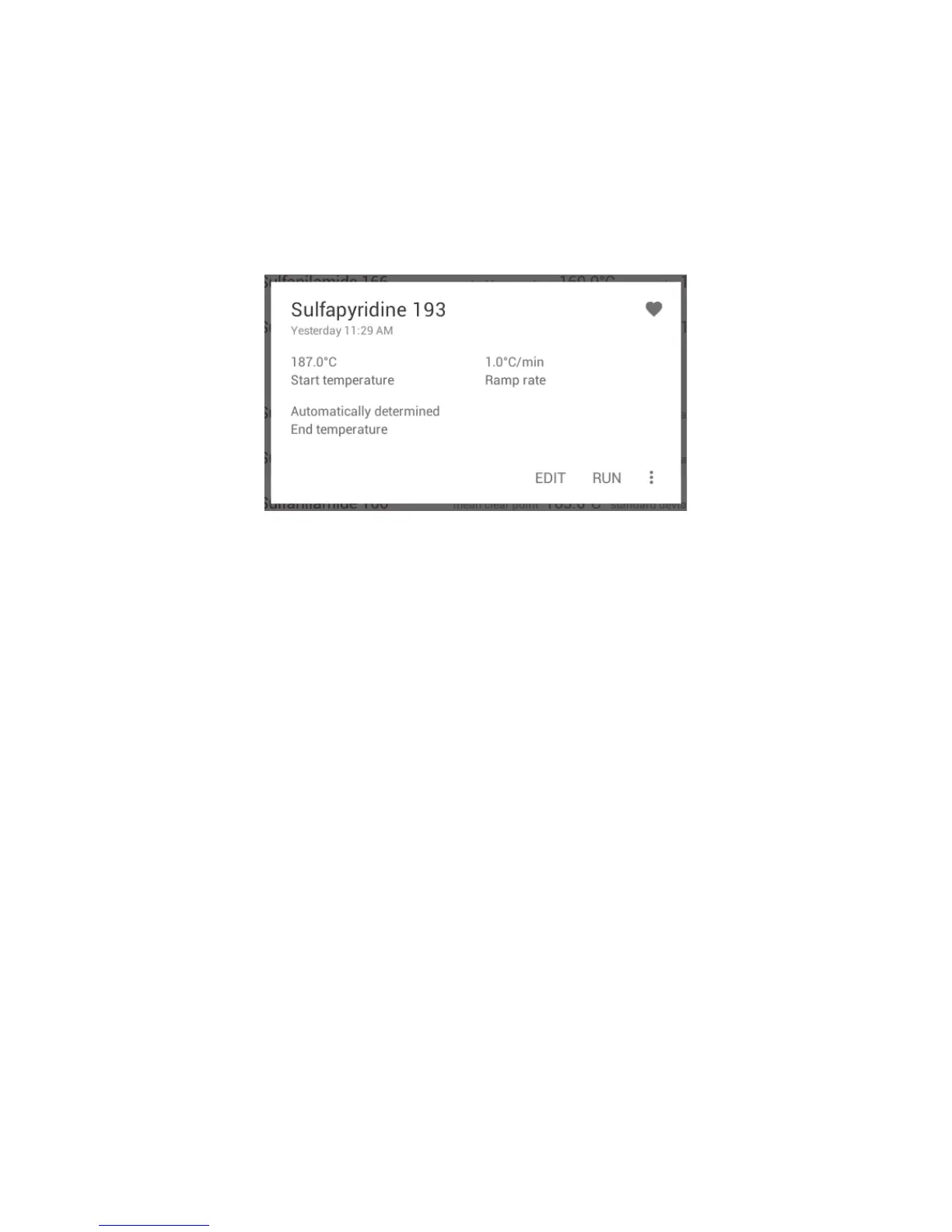
Measurement file card open
❖ Touch ‘EDIT’ to make any changes to the measurement.
❖ Follow through each pop-up card in the same way as ‘Setting up a new measurement’ in
Section 10.
❖ When finished, touch ‘SAVE’ or ‘SAVE AND RUN’ if you wish to run the measurement immediately.



 To Next Page