18. Performing a software update
Where applicable, software updates will be available at http://www.stuart-equipment.com/.
❖ To update the SMP50 software, first download the new software version onto a USB flash drive.
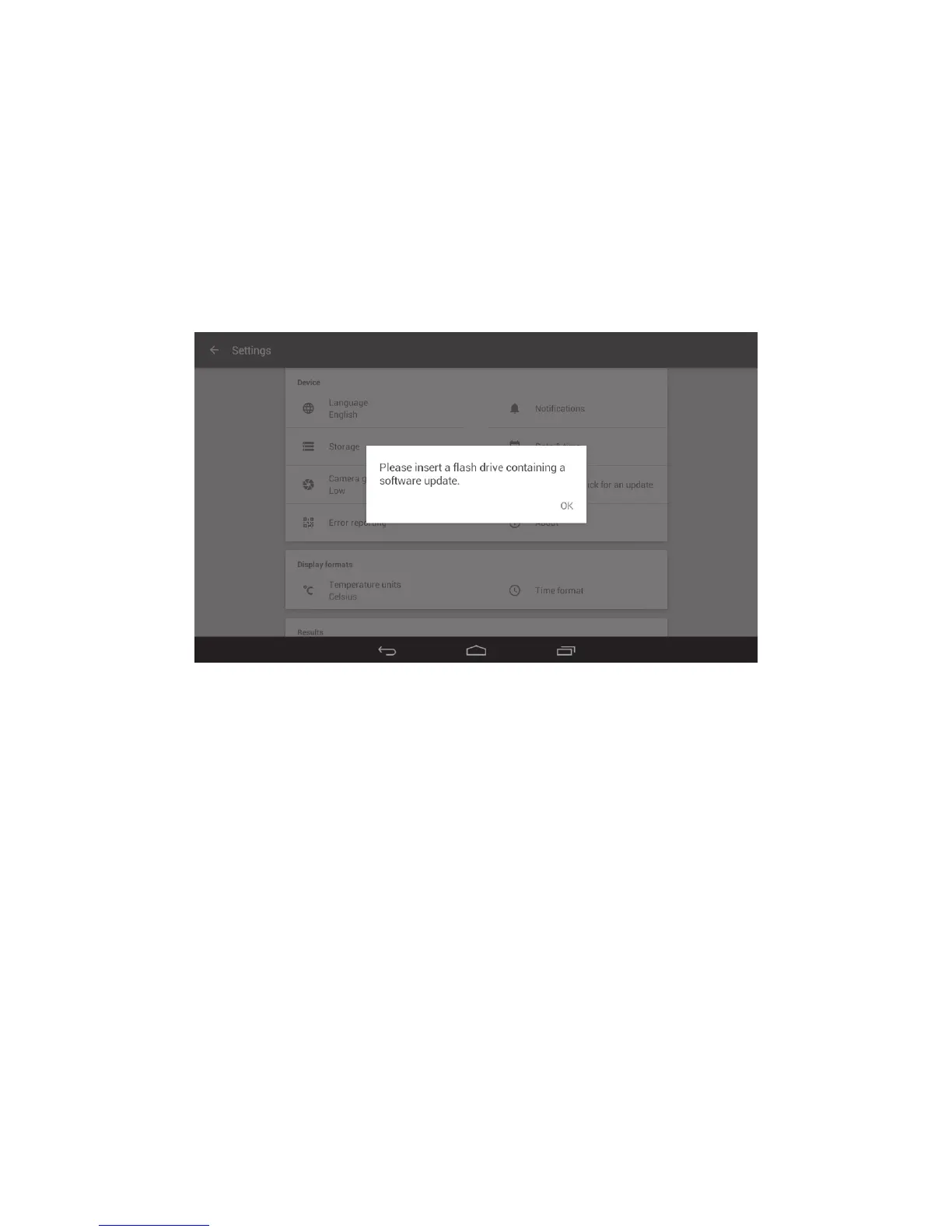
❖ Insert the USB flash drive into the SMP50 USB port and open the ‘Settings’ menu.
❖ Touch ‘Check USB stick for an update’. The new software version will be presented on-screen
against the currently installed version for comparison.
❖ Touch the ‘UPDATE’ button to start the update.
Note: Do not switch off the device or attempt to remove the USB flash drive during this process.
Updating the SMP50 software
55



 To Next Page