15. Managing results files
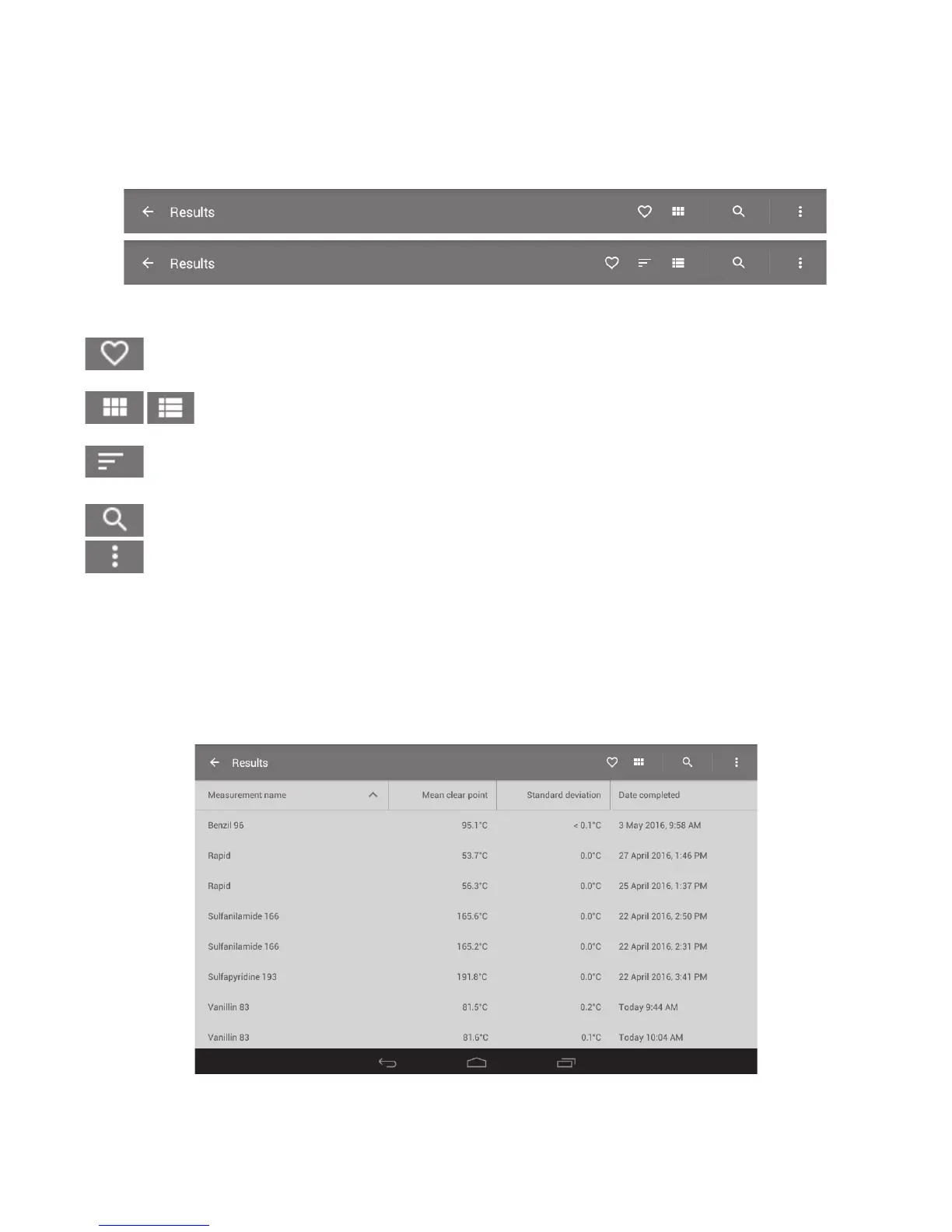
When opening the Results card, the Results screen will display a complete list of all results files saved
on the unit. The action bar across the top of the screen can aid in searching, deleting or copying files.
There is also a “favourites” feature which will allow you to easily select the files you use most
frequently.
Action buttons in the Results screen
Heart Touch this icon to view the results in your favourites list. See
section 15.3.
Grid/detail Touch this icon to change the format of the file display. Choose
either grid view or detail display. See section 15.1.
Sort (grid view only) Touch this icon to order the files when in grid view.
See section 15.1.
Search Touch this icon to search for a file by name. See section 15.2.
Overflow Touch this icon to allow selection of files for copying or
deleting. See section 15.4.
15.1 File display
The file display can be viewed either in detail form or as a grid display.
❖ To toggle between display formats, touch the 'Detail’ or ‘Grid’ view icons.
Detail view
39



 To Next Page