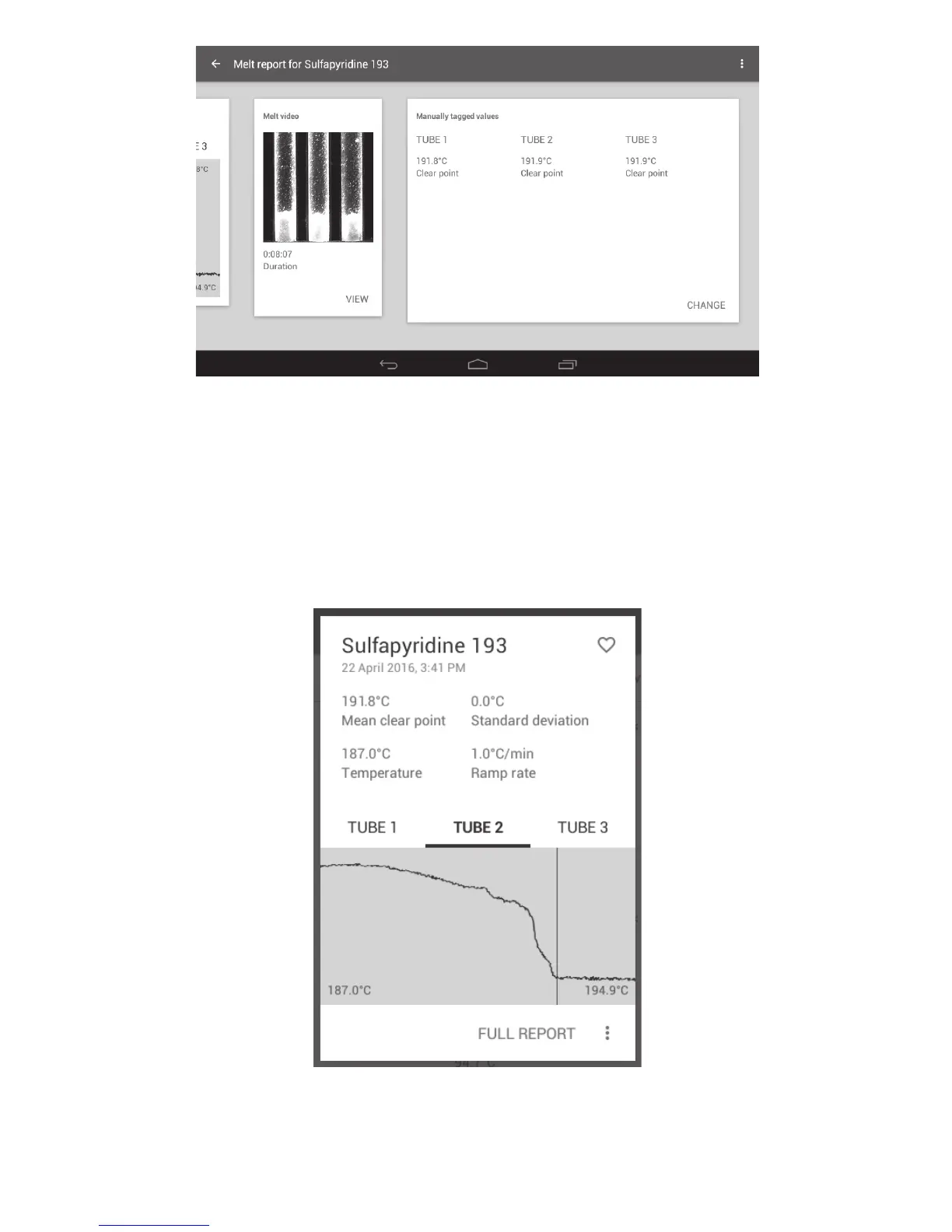
Melt video screen showing a manually tagged event
13.2 Opening previously saved Melt reports
Melt reports saved on the SMP50 can be viewed from the Results folder card.
❖ From the main menu screen, touch the Results card.
❖ Select and touch the required Results file to open a preview screen.
Results file preview
❖ Touch ‘FULL REPORT’ to open the full Melt report.
27



 To Next Page