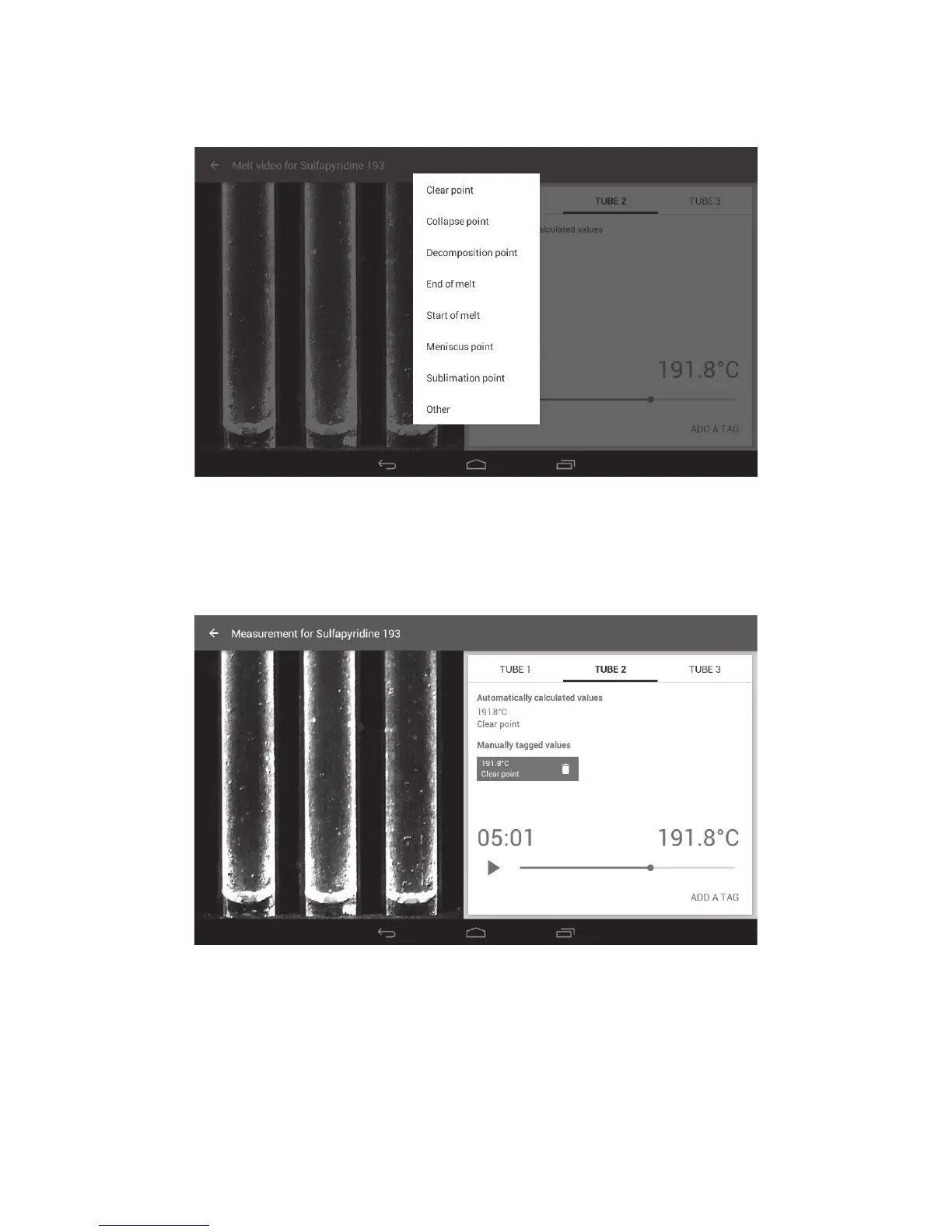
❖ To add a manual tag at any point in the melting point determination, pause the video playback,
select Tube 1, 2 or 3 then touch ‘ADD A TAG’.
❖ Touch the appropriate tag.
Manual tag options
The manually tagged value will be displayed under the appropriate tube heading. Up to 8 manually
tagged values can be added for each capillary.
Melt video screen showing a manually tagged event
❖ Continue adding tags for each tube in the same way.
❖ To delete a manually added tag, touch the ‘Discard’ icon on the blue area of the tag.
Manually added tag events will be displayed in the Melt report.
26



 To Next Page