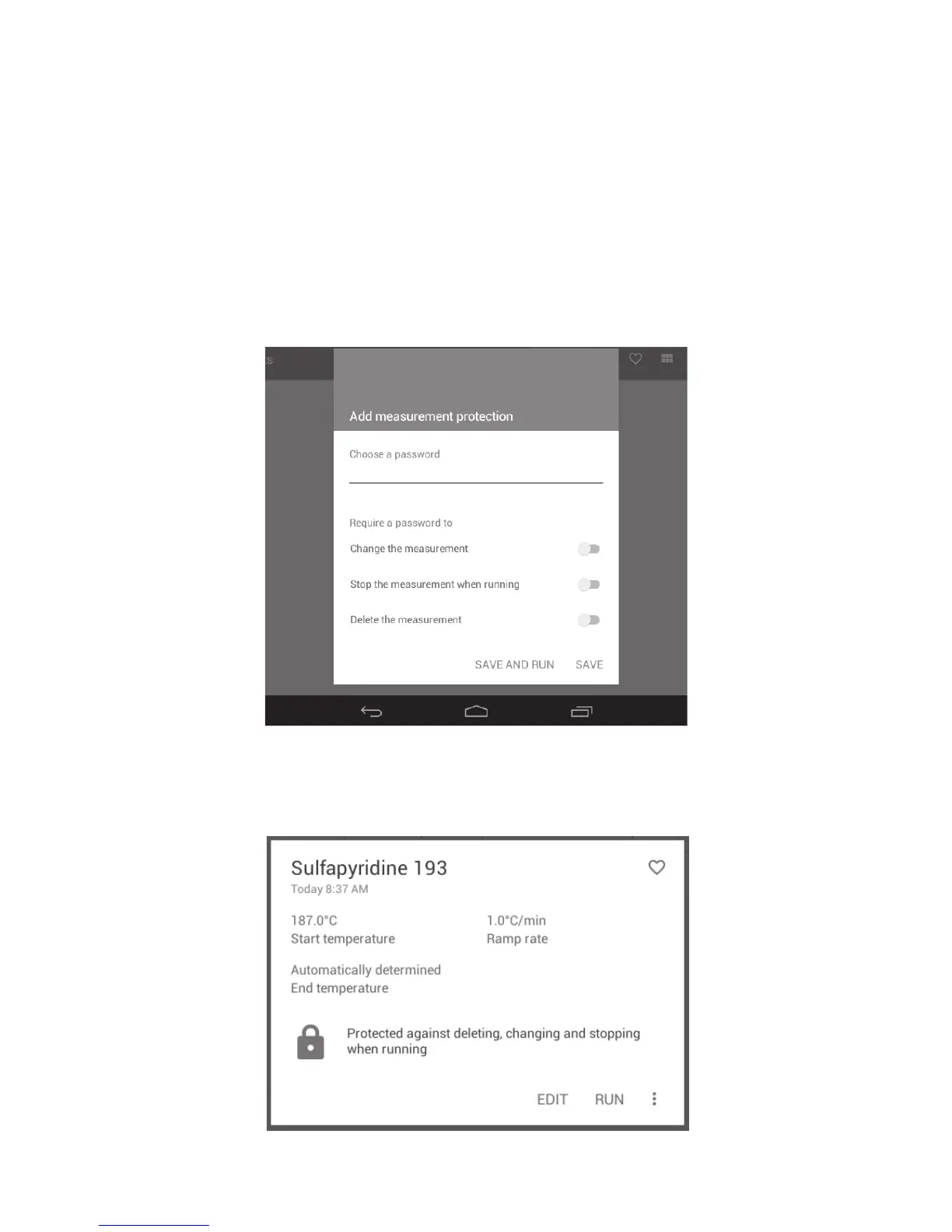
10.2 Add measurement protection
On this card you have options to password protect the measurement for security against changes from
other users. A password can be set so that it is required to enter it when you wish to perform one or
more of the following operations:
❖ Change (edit) the measurement.
❖ Stop the measurement while it is running.
❖ Delete the measurement.
❖ To add measurement protection, touch the card and type in a password.
❖ Touch to select the required option(s) you wish to protect against followed by ‘SAVE’. Select ‘SAVE
AND RUN’ if you wish to run the measurement immediately.
Options available for measurement protection
With measurement protection enabled the measurement file card will display a padlock icon. The
password is required for any changes to be made.
Measurement protection enabled
17



 To Next Page