14.3 Favourites
Measurements which are used frequently can be added to a favourites list so they can be located
quickly.
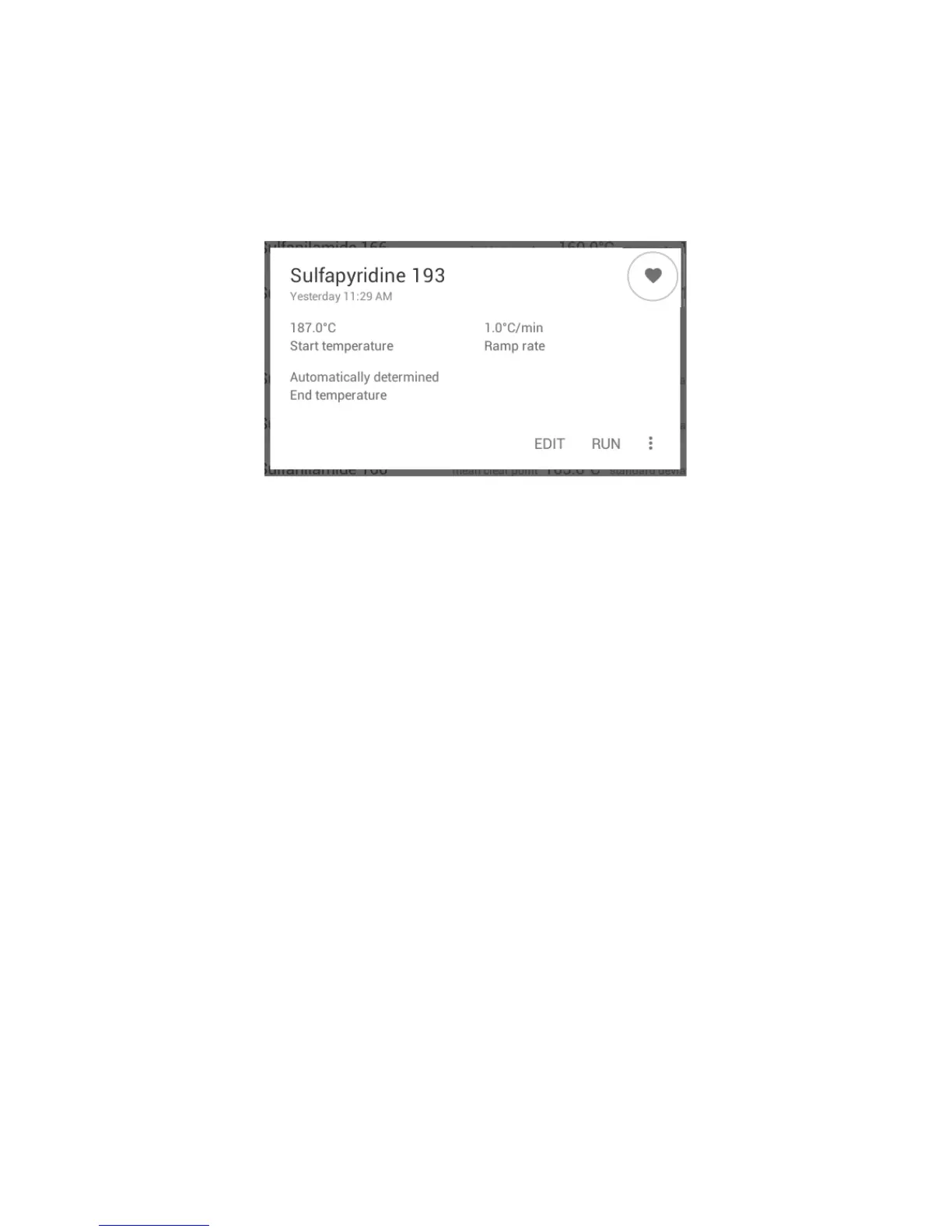
❖ To add a measurement to your favourites list, first open a measurement from the measurement
files stored on the instrument.
❖ Touch the ‘Heart’ icon on the measurement card so that it becomes filled.
The filled heart icon indicates that the measurement is included in the favourites list
❖ Exit by touching the ‘Back’ button on the navigation bar.
❖ To view all the measurements stored in the favourites list, touch the ‘Heart’ icon on the action bar
at the top of the screen.
❖ To remove a measurement from the favourites list, repeat the process, touching the heart icon so
that it becomes un-filled.
34



 To Next Page