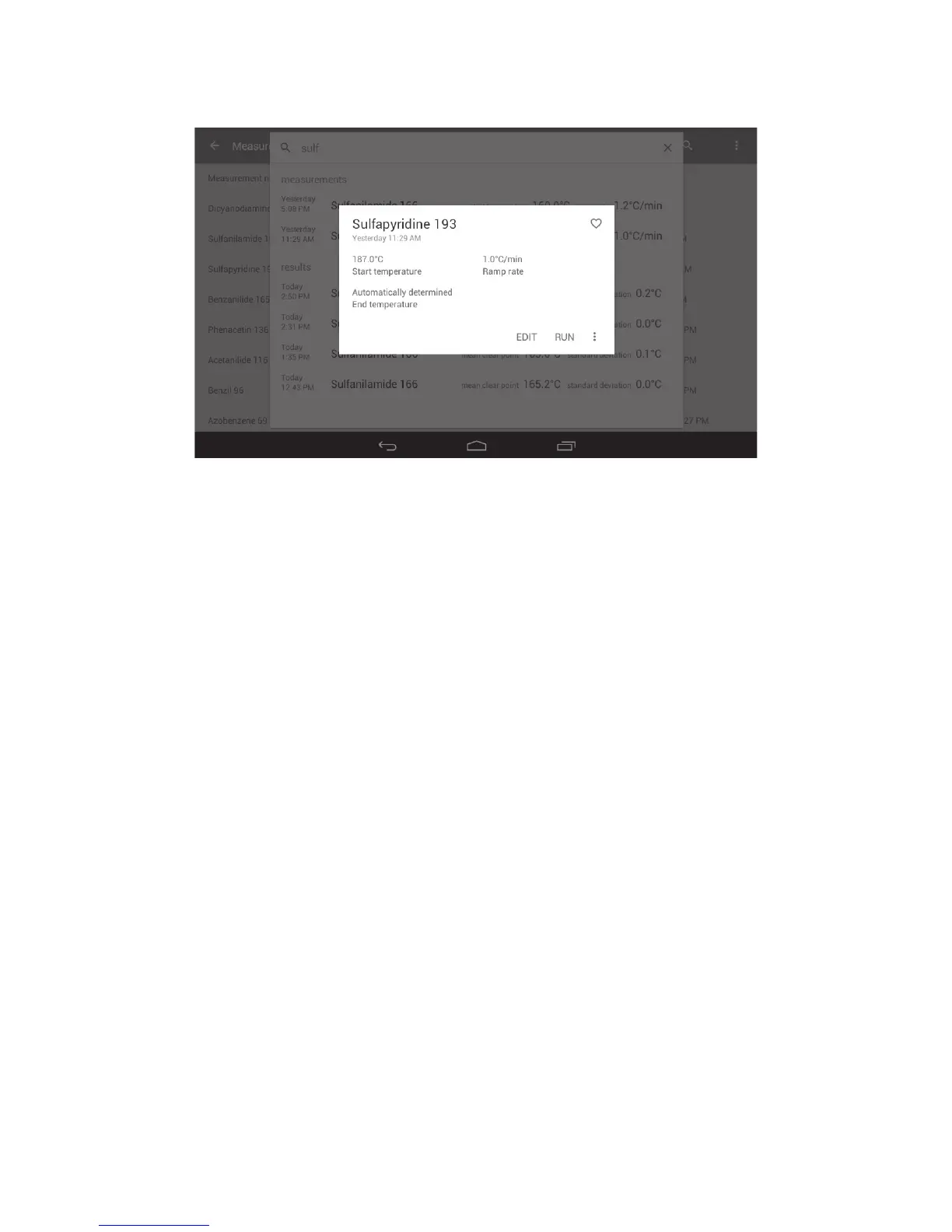
❖ Touch to select the required measurement.
The measurement card will open and show a summary of the measurement details.
Card showing details of the selected measurement file
The following options are available from the measurement card:
❖ Touch ‘RUN’ to start the measurement.
❖ Touch ‘EDIT’ to make changes to the measurement.
❖ Touch the ‘Overflow’ icon to copy or delete the measurement
❖ Touch the ‘Heart’ icon to add the measurement to your favourites list.
❖ Touch the ‘Back’ button on the navigation bar to escape.
33



 To Next Page