5. Instrument and software controls
5.1 Instrument
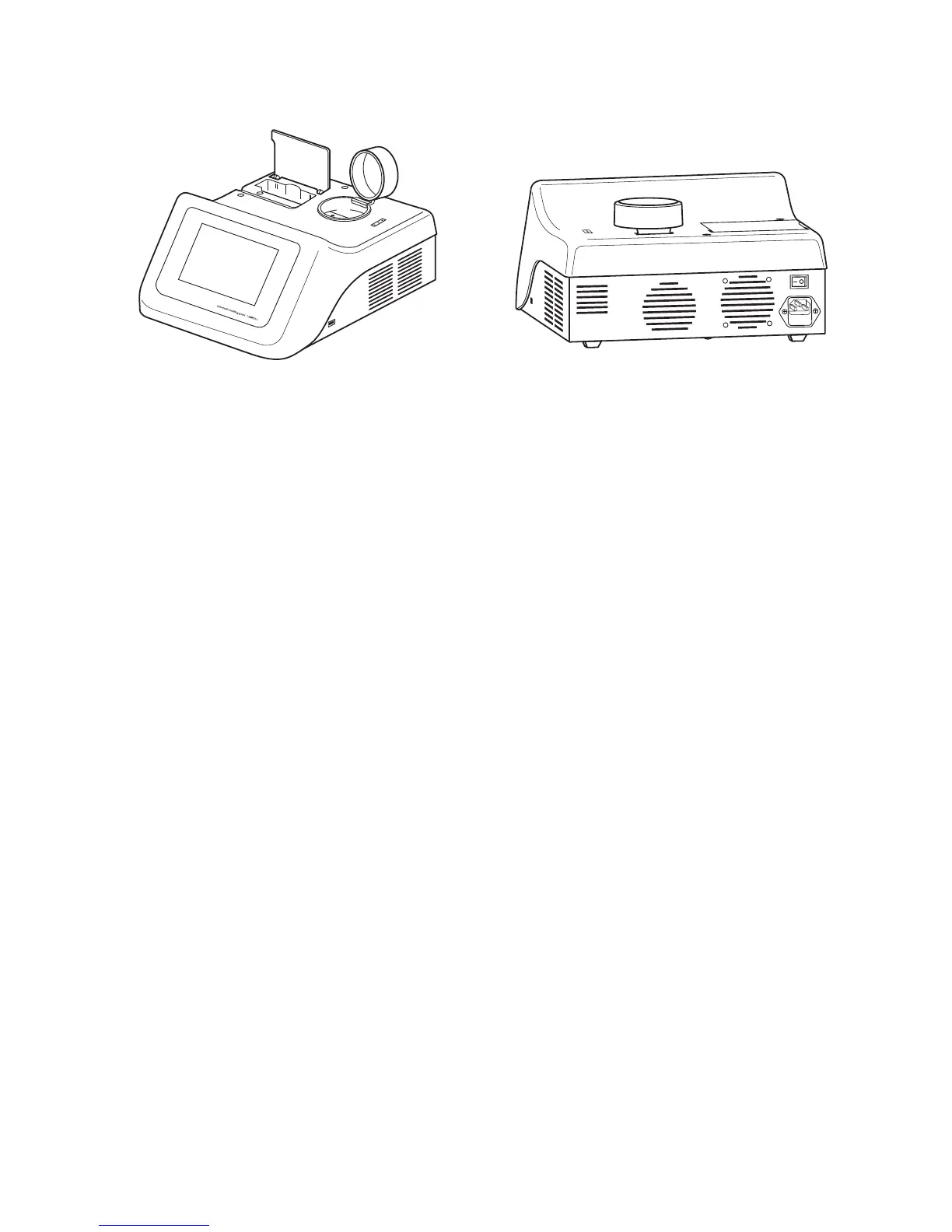
SMP50 front view SMP50 rear view
1. Touch Screen The touch screen interface is used to perform all control
functions on the SMP50. Live images of the sample
compartment, real-time data on the instrument’s status and the
sample block temperature can also be viewed on this display.
2. Capillary storage and cutters A compartment is provided for the storage of glass capillaries
used in the melting point determinations and also incorporates
a device to cut capillary tubes sealed at both ends and tweezers
for removal of broken capillaries from the sample compartment.
3. Sample compartment The lid lifts up to provide access to the sample block which is
capable of holding up to three capillary sample tubes.
Capillary tubes must be a minimum of 5.0cm in length to
ensure that they can be retrieved from the sample block.
4. Capillary holder Three slots moulded in the casework to hold prepared capillaries
prior to performing a melting point determination.
5. USB connections A USB flash drive can be inserted into the USB port allowing
result files to be copied or moved from the device. The port can
also be used to connect to the accessory printer.
6. Mains On/Off This is a rocker type switch found on the rear of the unit.
Pressing the “I” switches the unit ON. Pressing the “O”
switches the unit OFF.
7. A/C power input The socket to which the mains supply lead should be fitted.
Also contains the fuse holder.
5.2 Connecting the accessory printer
If you are using the accessory printer, SMP50/PRINTER, connect the printer USB cable to the USB port
(item 5) of the SMP50 BEFORE turning on the power to the SMP50.
7
1
2
3
4
5
6
7



 To Next Page