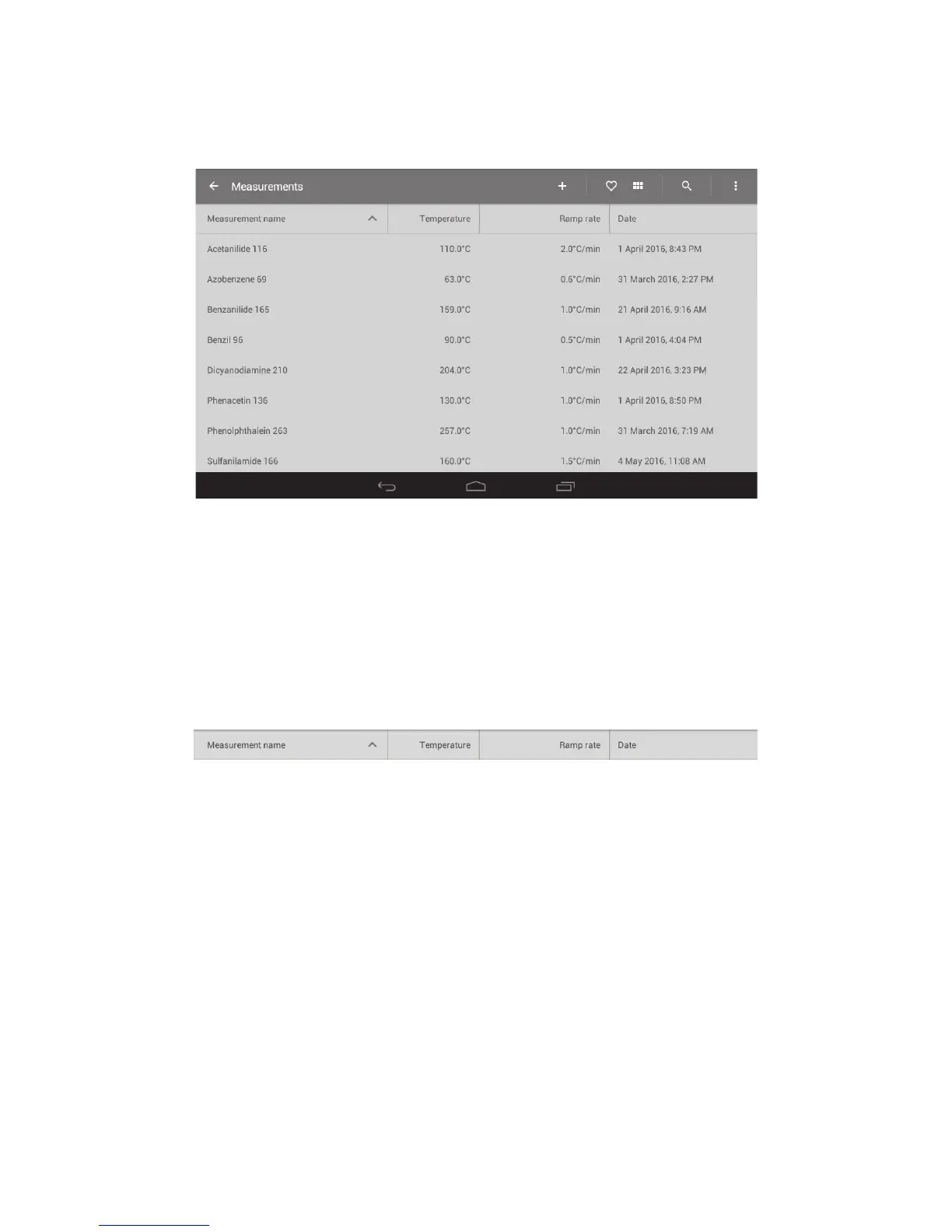
14.1 File display
The file display can be viewed either in detail format or as a grid display.
❖ To toggle between display formats, touch the 'Detail’ or ‘Grid’ view icons.
Detail view
When in Detail view, touching the header allows Measurement files to be listed in order as follows:
❖ Measurement name, A-Z or Z-A.
❖ Start temperature, low to high or high to low.
❖ Ramp rate, low to high or high to low.
❖ Date created, newest first or oldest first.
Measurement folder header in detail view
❖ Touch the header to change the display order.
30



 To Next Page