13.3. Deleting or copying a melt report
A Melt report can be copied to a USB flash drive for transfer to a computer, or deleted when no
longer required. See also section 15.5.
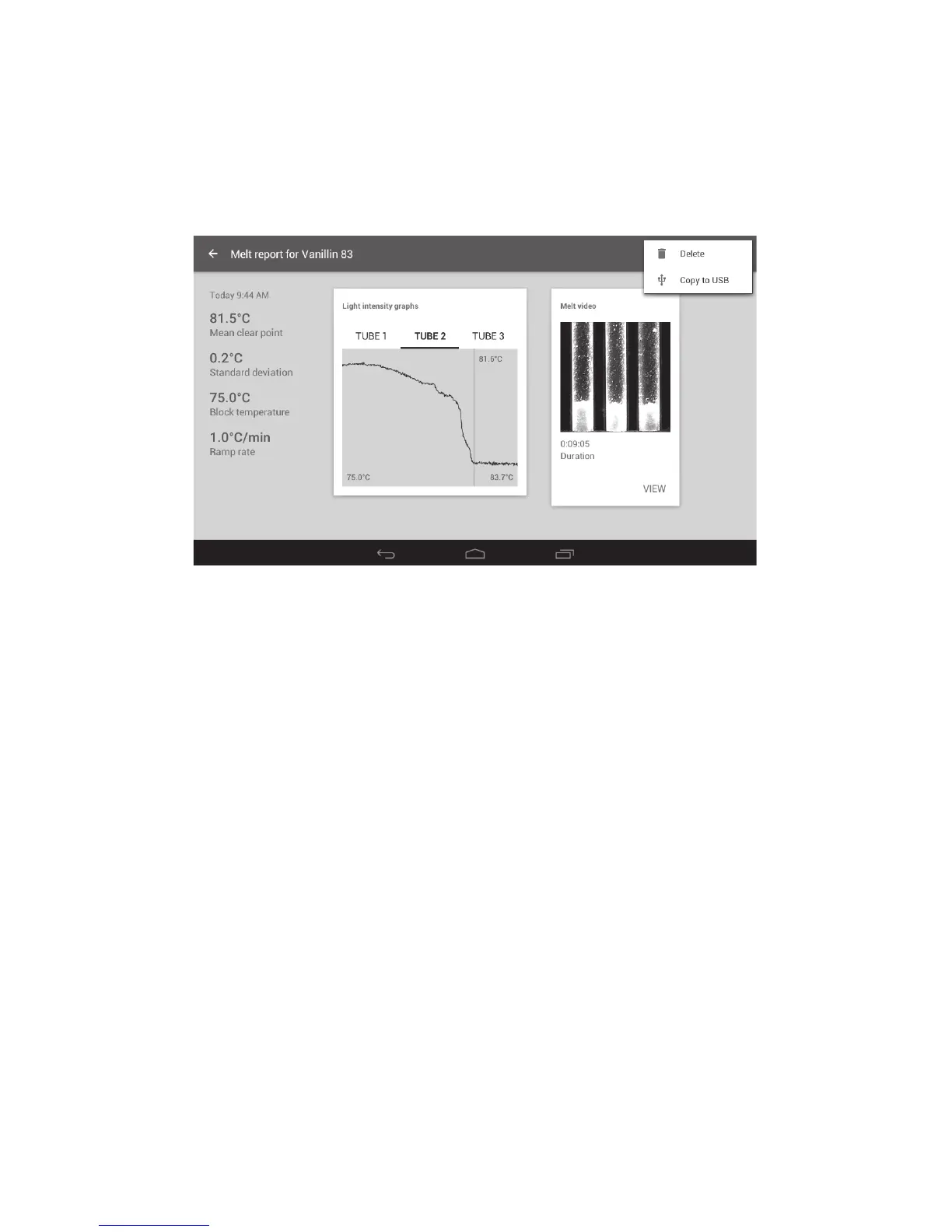
❖ Touch the ‘Overflow’ icon at the top right of the Melt report screen. This will open the options for
deleting or copying to USB.
Note: A USB flash drive must be inserted into the SMP50 for the ‘Copy to USB’ option to be active.
Melt report delete and copy options
❖ Touch ‘Copy to USB’ to copy the report, or ‘Delete’ to delete the report.
Before deleting a Melt report, the instrument will display a warning as a check to ensure you wish to
continue with the deletion.
❖ To permanently delete the report, touch ‘OK’.
❖ To abort the deletion, touch ‘CANCEL’.
28



 To Next Page