14
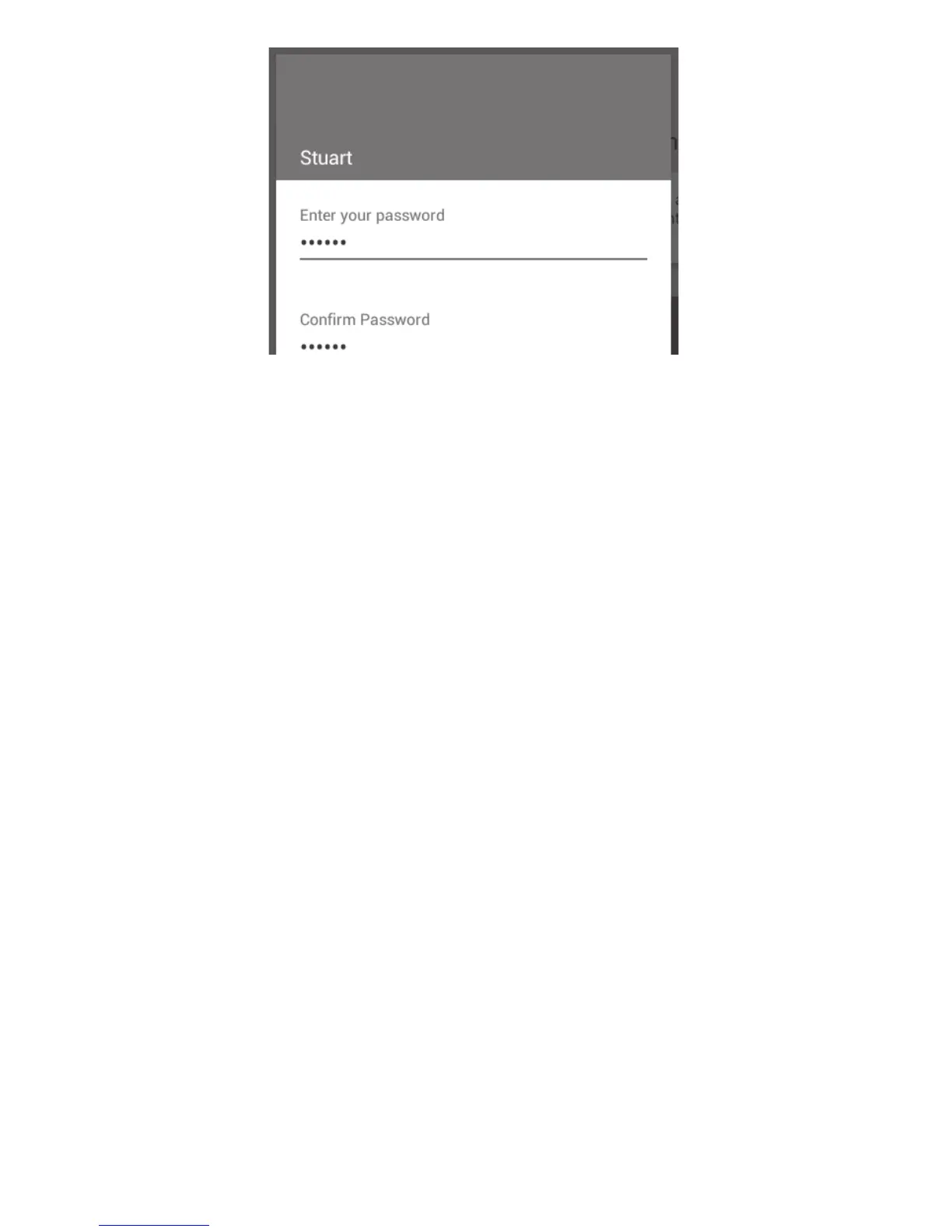
Enter and confirm a password for the account
You will now be signed in as ‘USERNAME’ and this will be shown at the top of the main menu screen.
Once you are signed in to your user account you can edit the settings to your own preferences. These
settings will be saved to your user account.
❖ To exit a user account, touch the ‘Sign Out’ card to return to default settings.
The next time you wish to sign in to your user account, simply touch the ‘Sign In’ card and enter your
username and password.



 To Next Page