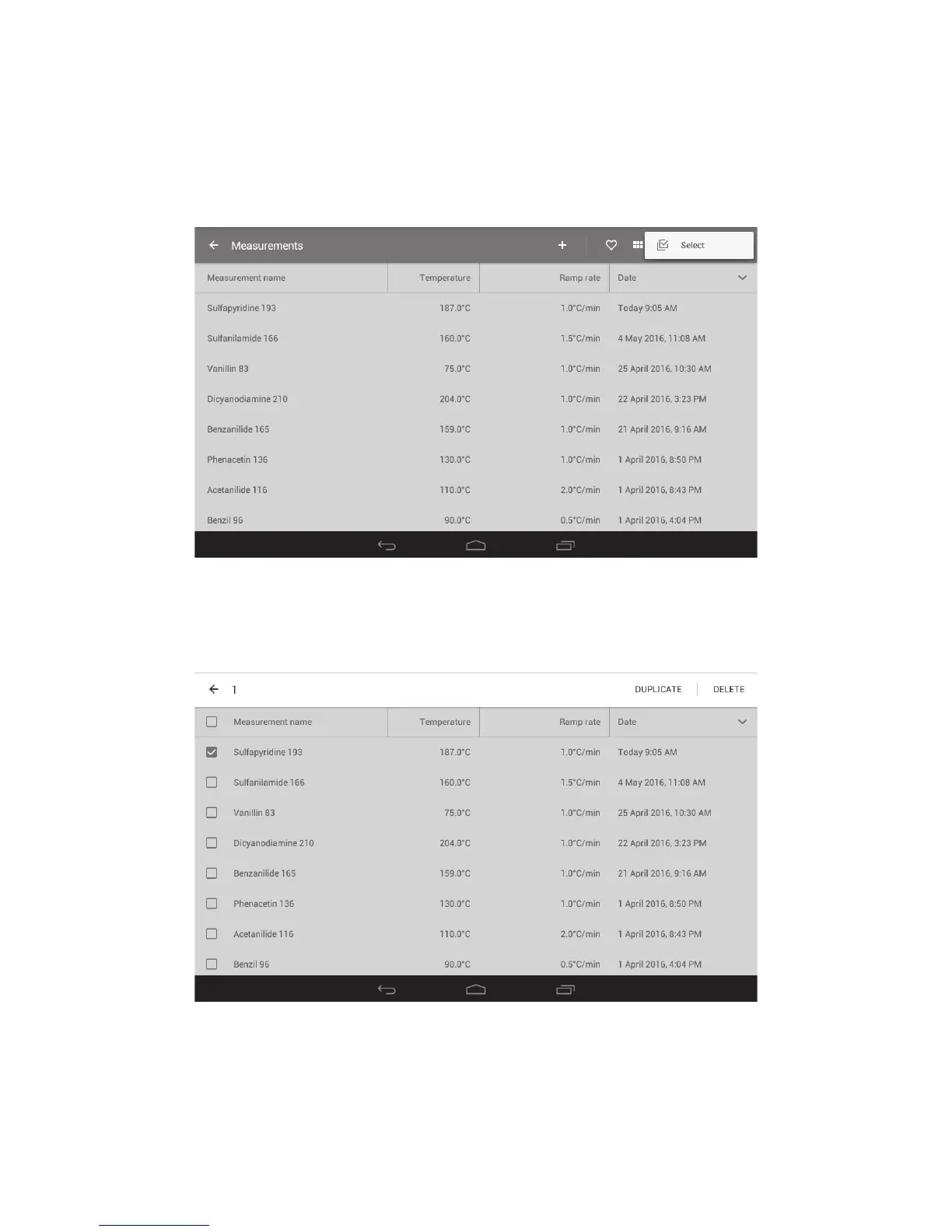
14.4.2 Copying or deleting multiple files
❖ To select multiple files for copy or deletion, touch the ‘Overflow’ action button at the top right of
the screen.
❖ Touch ‘Select’. This will open selection buttons next to each measurement file.
Note: Touch the ‘Back’ button at any time to escape.
Activating the Select buttons
❖ Touch the selection button next to each Measurement file to be copied or deleted.
Selecting Measurement files for copying or deletion
❖ Touch ‘DUPLICATE’ to copy the selected files or ‘DELETE’ to delete the selected files.
When a file is copied it will be named ‘Copy of …’ followed by the original file name.
36



 To Next Page