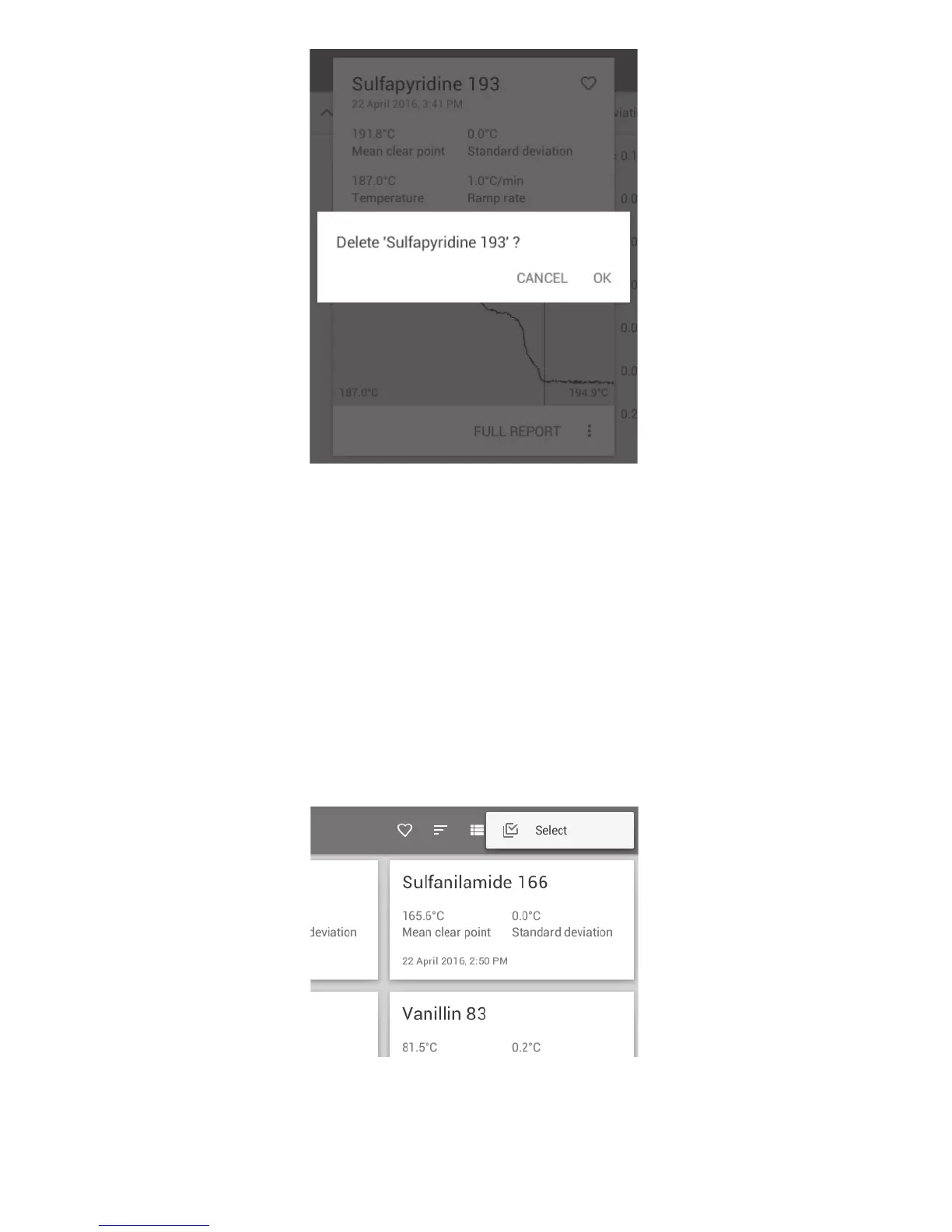
Warning check before a file is deleted
❖ To permanently delete the file, touch ‘OK’.
❖ To abort the deletion, touch ‘CANCEL’.
15.4.2 Copying or deleting multiple files
❖ To select multiple files for copy or deletion, touch the ‘Overflow’ action button on the top right of
the screen.
❖ Touch ‘Select. This will open selection buttons next to each result file.
Note: Touch the ‘Back’ button at any time to escape.
Activating the Select buttons
44



 To Next Page