31
① Default
In Default mode, Bus1- Bus 5R are assigned to OUT 1 ~ OUT 6, Master L and Master R are
assigned to OUT 7-8, S/PDIF OUT and USB OUT。
② Custom
Switch to custom mode after single pressing “Custom1 2 3” buttons. Single press “
” of any output, then select the bus to be assigned.
Notice: S/PDIF and USB outputs can only select pairs of stereo busses or master output
busses, the 8 analogue outputs can select any one of the 14 busses.
After rebooting the system, the Patch setting is always what you set before you had
powered off the console last time.
Meter Page
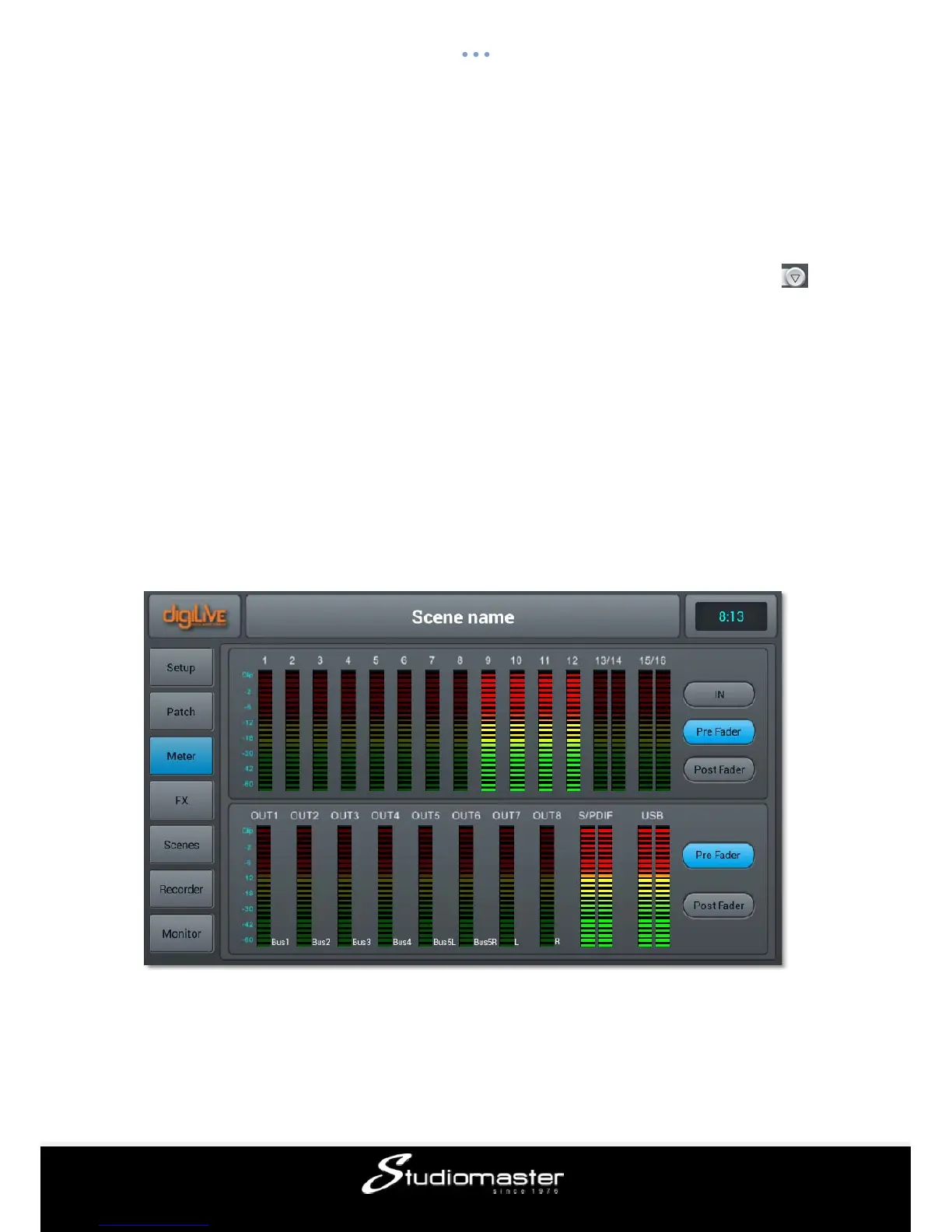
This page contains two parts: input channel signal levels and output signal levels.
Signal level of input processing channel has three modes——IN, Pre Fader and Post Fader
with Pre Fader as the default. Signal level mode displayed can be changed with a button
press.
The signal level of output has two modes——Pre Fader and Post Fader with Pre Fader as














 To Next Page