40
④ Operation
Bypass: Single press the button, to enable Bypass. Press again to disable it. The default is
disabled.
Flat: Single press the button, to set all gains of frequency points back to 0, bring slider in
the middle (faders will be in the middle position of stroke if they are used to control), The
default is disabled.
⑤ Fader selection button
1-8:Single press the button, to control the gains of frequency points with 8 faders on the
panel.
9-15:Single press the button, to control the gains of frequency points with 7 faders on the
panel.
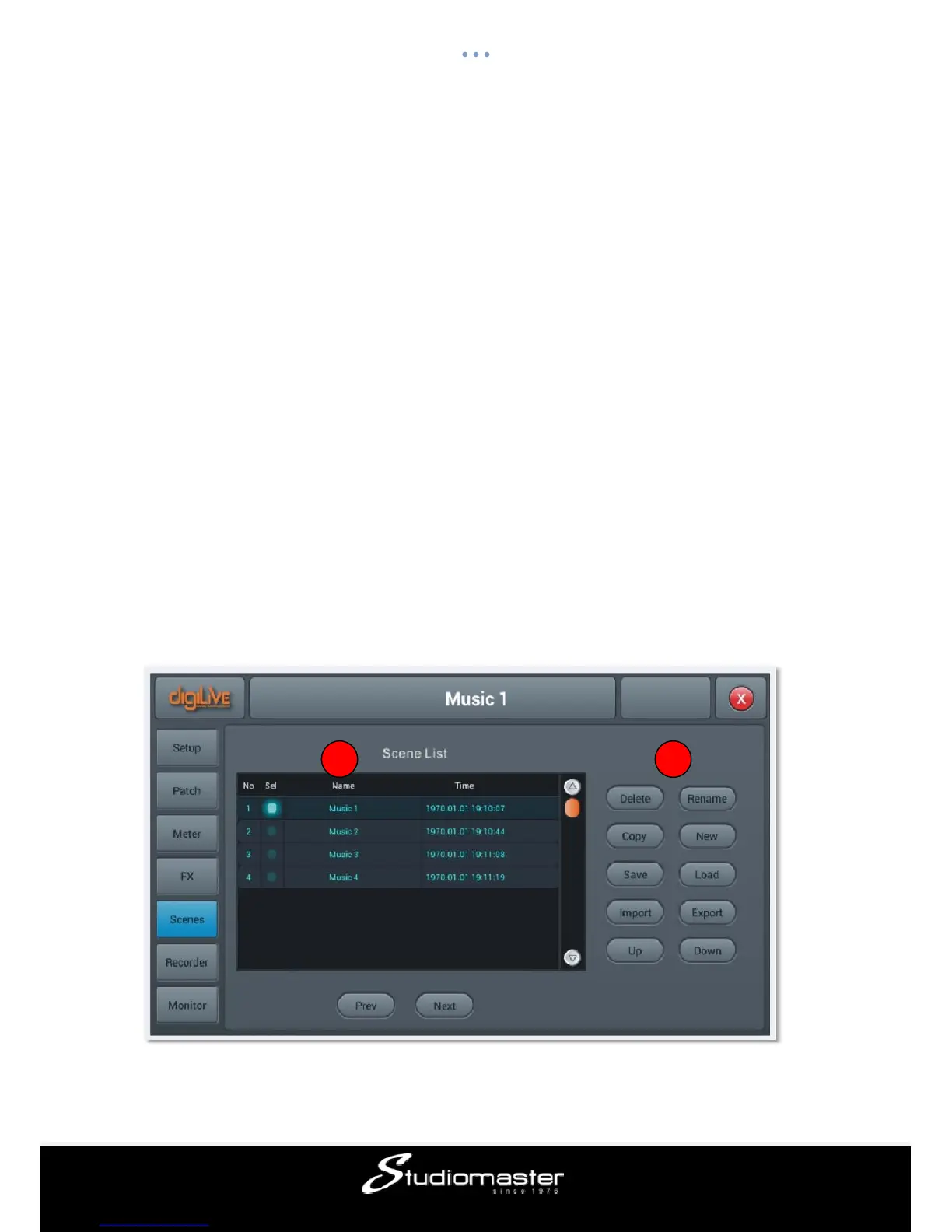
Scenes Page
The page contains Scene List and operations for scenes, which are complete "snapshots"
of all settings on the digiLiVE 16.
1 2














 To Next Page