Black plate (200,1)
北米Model "A8170BE-A" EDITED: 2011/ 6/ 24
5-22 Audio
! Selecting preset channels
1. Press the “SAT” button to select SAT1,
SAT2 or SAT3 reception mode.
2. Press the preferred preset b utton
(from
to ) briefly.
! Displaying and selecting preset
stations (type D audio)
1. Press and hold the
button for 1.5
seconds or longer during satellite radio
reception to display the radio screen.
2. Operate the “TUNE/TRACK/CH” dial
to select the stations.
& Display selection (type A, B
and C audio)
Type A and B audio
Type C audio
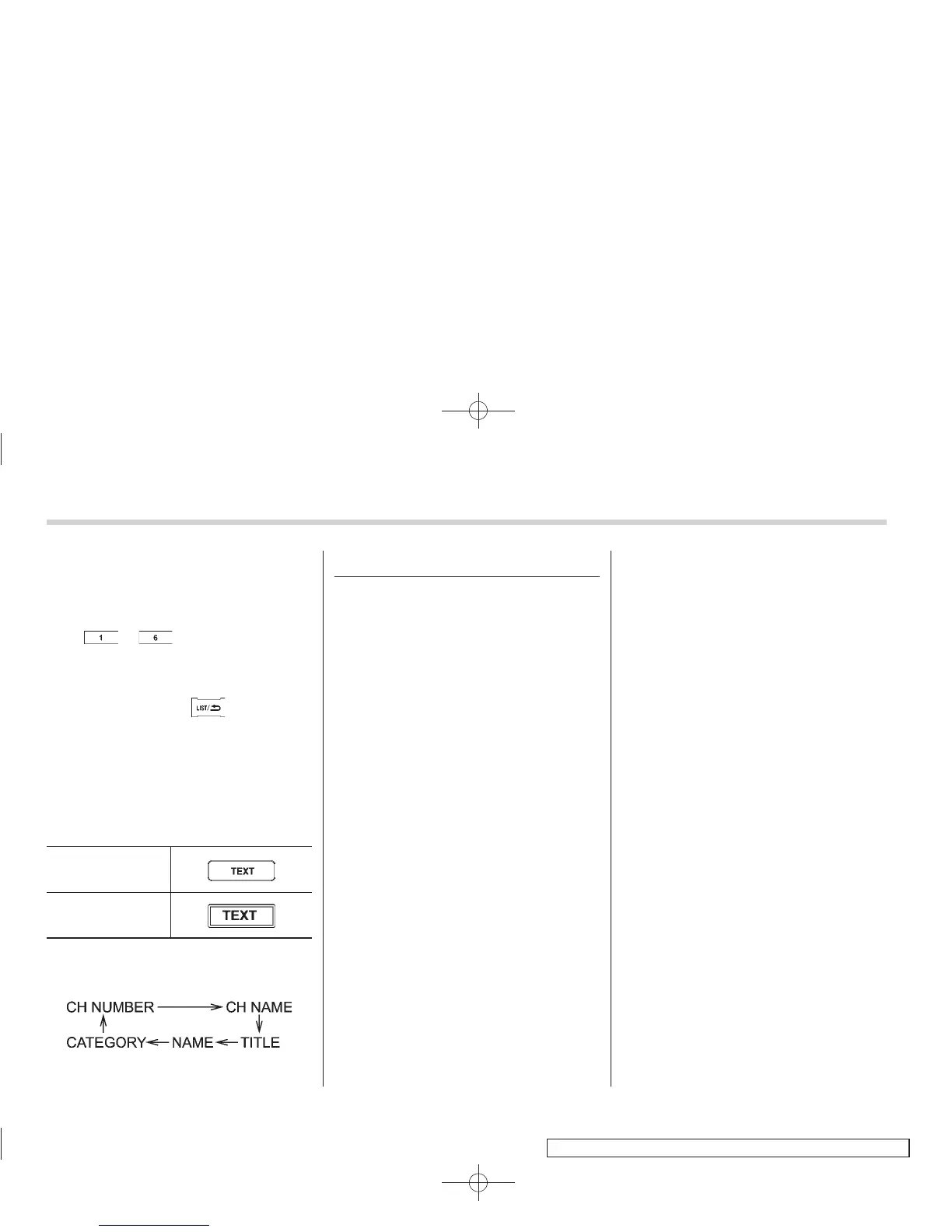
Press the “TEXT ” button while receiving
the satellite radio to change the display as
follows.
CD player operation
NOTE
. Make sure to always insert a disc
with the label side up. If a disc is
inserted with the label side down, the
player displays “CHECK DISC”. Refer
to “When the following messages are
displayed” F5-29.
. If a disc is inserted during a radio
broadcast, the disc will interrupt the
broadcast.
. After the last song finishes, the disc
will automatically return to track 1 (the
first track on the disc) and will auto-
matically play back.
. The player is designed to be able to
play music CD-Rs and music CD-RWs,
but it may not be able to play certain
ones.
. Mini CDs (i.e., 8 cm/3 inch CDs) are
not supported, and if inserted, they will
be immediately ejected.
. CDs that can be played back are
accompanied by the following restric-
tions.
– Maximum number of folders: 255
– Maximum number of tracks in a
folder: 255
– Maximum number of files on a
CD: 510 (type A, B and C audio)/999
(type D audio)
& Play file
NOTE
. Copyright protected MP3/WMA/AAC
files will not be played by the system.
The player will automatically skip to the
next file (track).
. WMA9 Lossless, WMA9 Profes-
sional and WMA9 voice cannot be
played.
MP3:
. Based on MPEG1, 2 and 2.5 Layer3
. Sampling rate (kHz): 48, 44.1, 32, 24,
22.05, 16, 12, 11.025, 8
. Bit rate (kbps): 8 to 320
. Supports variable bit rates
WMA (type A, B and C audio):
. Based on Windows Media Audio 9
. Sampling rate (kHz): 48, 44.1, 32
. Bit rate (kbps): 32 to 192
WMA (type D audio):
. Based on Windows Media Audio 7, 8
and 9
. Sampling rate (kHz): 48, 44.1, 32
. Bit rate (kbps): 32 to 192















 To Next Page