Black plate (218,1)
北米Model "A8170BE-A" EDITED: 2011/ 6/ 24
5-40 Audio
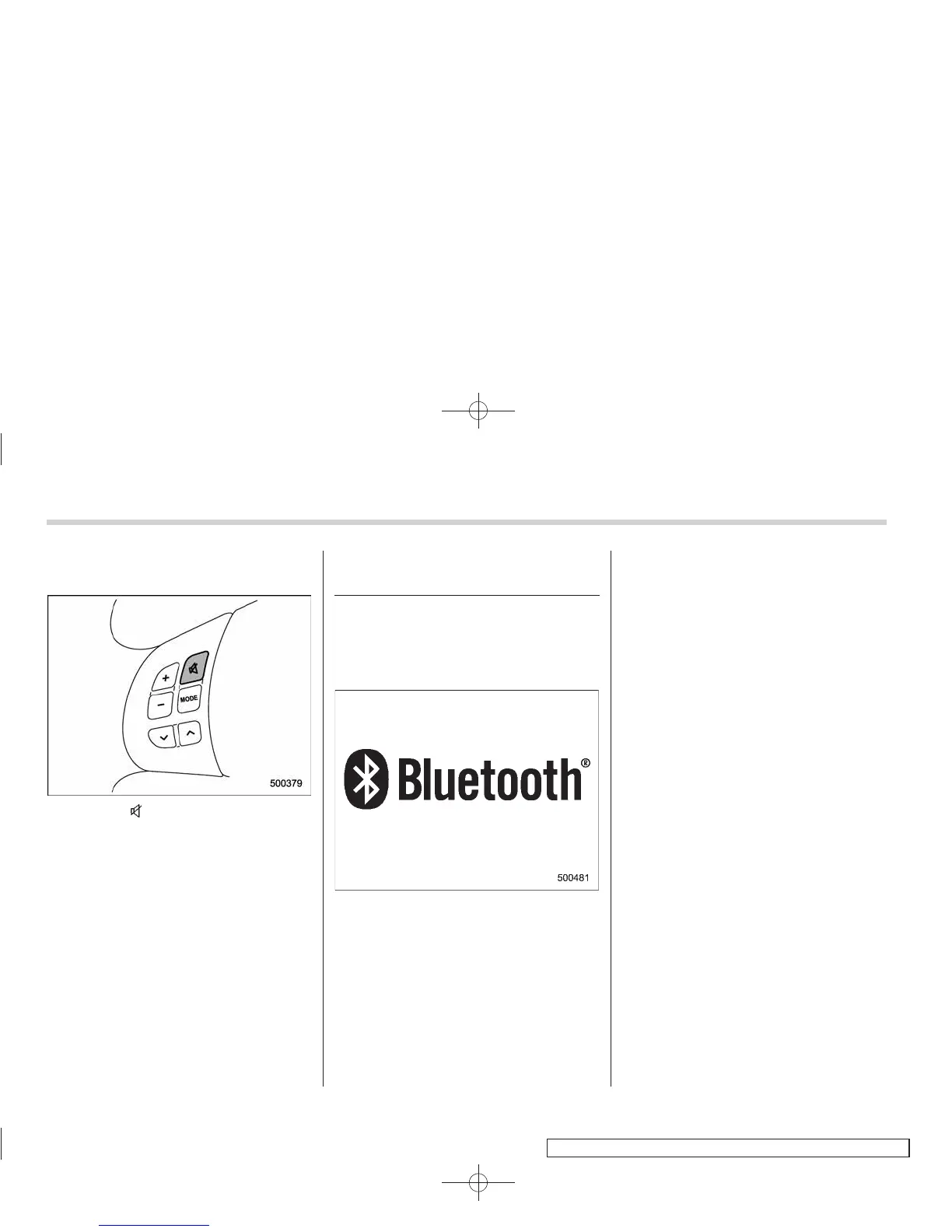
& MUTE button (models with-
out Hands-free system)
Press the “ ” button if you wish to
immediately cut the volume to zero.
The audio display will show “MUTE”.
If you press the button again, the original
sound volume will return and “MUTE”
turns off.
Bluetooth
®
audio (type C and
D audio)
This function enables you to play back
audio sources from Bluetooth
®
audio
devices. You need to register the Blue-
tooth
®
audio device in the system before
using it.
NOTE
The Bluetooth word mark and logo are
registered trademarks of Bluetooth
SIG, Inc.
& Media format
Bluetooth
®
audio devices cannot be
connected if they are not compatible with
the following Bluetooth
®
profiles.
. A2DP (Advanced Audio Distri bution
Profile)
. AVRCP (Audio/Video Remote Control
Profile)
& Setting Bluetooth
®
audio
1. Select “BT-A SETUP” by pressing the
“MENU” button (type C audio)/Select “BT
Audio Setup” by operating the “TUNE/
TRACK/CH” dial (type D audio).
2. Perform the following procedure by
operating the “TUNE/TRACK/CH” dial
while “BT-A” (type C audio)/“BT Audio”
(type D audio) is displayed.
NOTE
You cannot set a Bluetooth
®
audio
while driving.
! Registering (pairing) device
1. Select the “PAIR AUDIO” (type C
audio)/“Pair Audio Player” (type D audio)
menu. If a device is already registered,
“MEMORY FULL” is displayed and the
mode changes to the Bluetooth
®
audio
setting mode.
2. After the passkey is shown on the
display, input the passkey into the device.
If you input the correct passkey, “PAIRED”
is displayed and the registering procedure
is finished. If you input an incorrect
passkey, “FAILED” is displayed, the re-















 To Next Page