12
Setting HOME as a Favorite
1
Follow steps 1 through 10 on pages 6-9 (Finding an Address) of this guide.
2
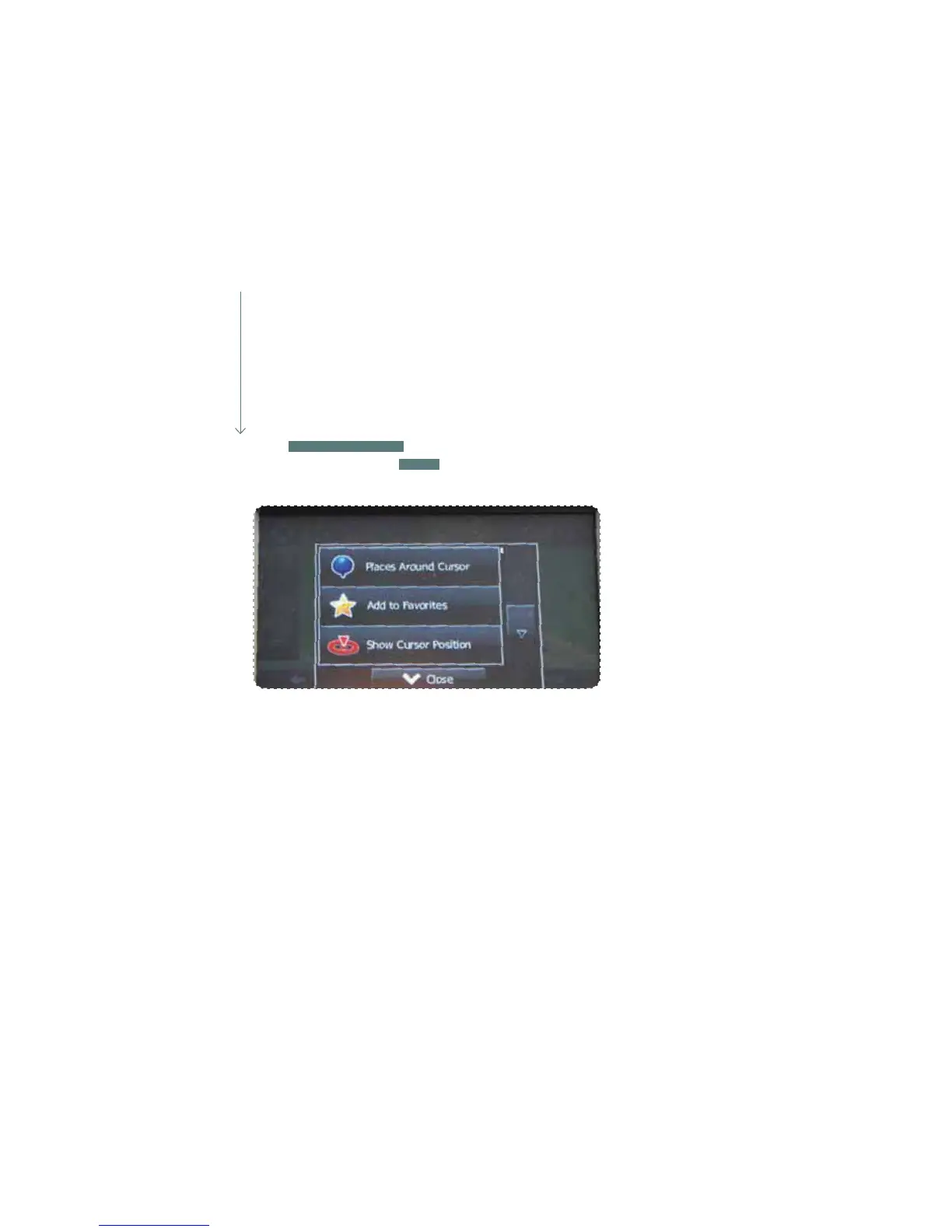
Touch
ADD TO FAVORITES
a keyboard will appear. Enter the name HOME for the
destination and then touch
DONE
. You are automatically returned to the map with
the destination set. Start driving following the navigation.















 To Next Page