13
Safety & Navigation
Information
Emergency
Screen
Finding an
Address
Finding a Point
of Interest
Setting HOME
as a Favorite
Choosing HOME from the destination list
n
Information
rgency
Screen
g an
ddres
g a
f Interes
ting H
as a Favorit
Setting HOME
as a Favorite
1
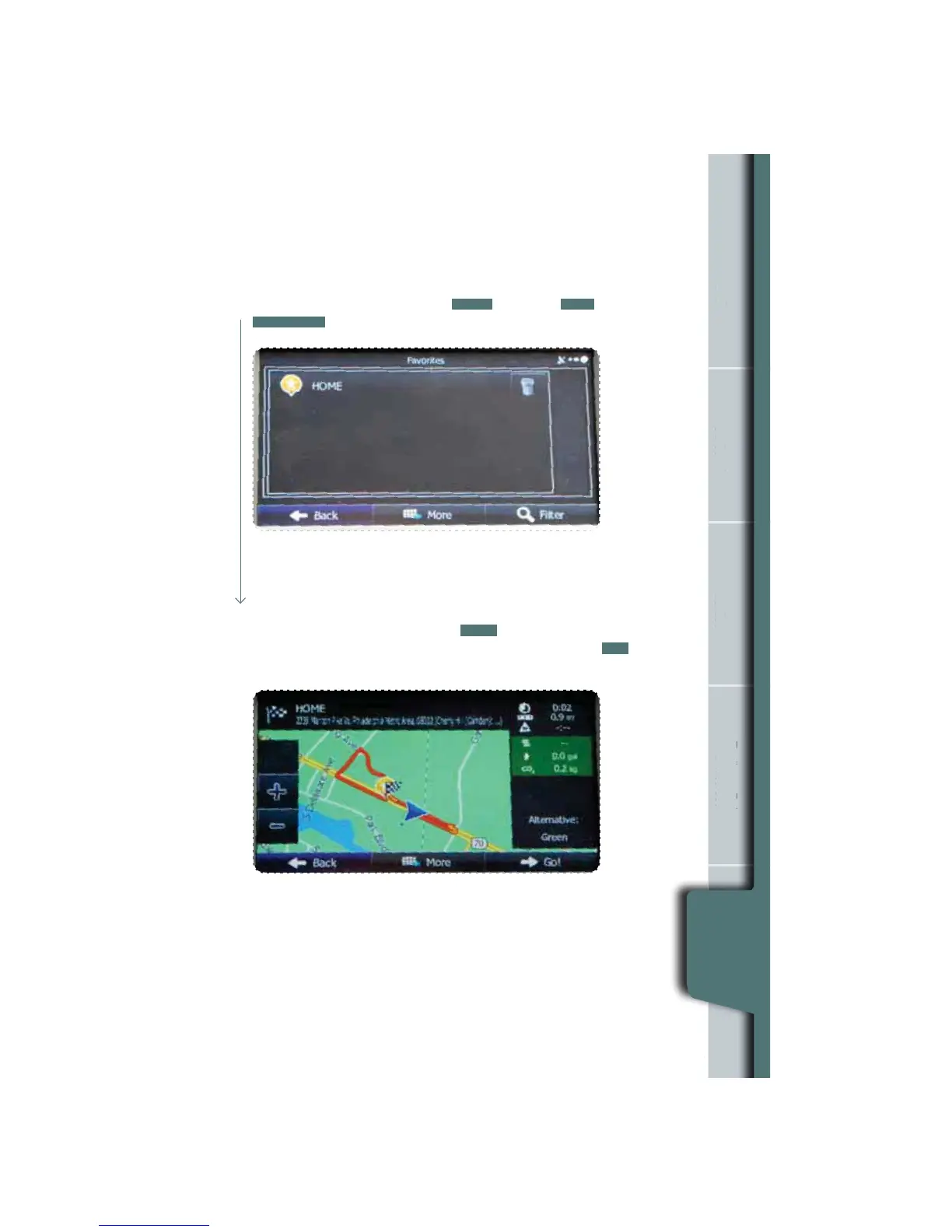
If the Map screen is displayed, touch
MENU
, then touch
FIND
and then touch
FAVORITES
. The destination list is displayed.
2
Touch HOME to select it as the destination. The map is displayed in full-screen
mode with HOME at the center. Touch
NEXT
. After a summary of the route
plan is displayed, the entire route is displayed on the map. Touch
GO!
to start
navigation.















 To Next Page