Black plate (224,1)
北米Model "A8170BE-A" EDITED: 2011/ 6/ 24
5-46 Audio
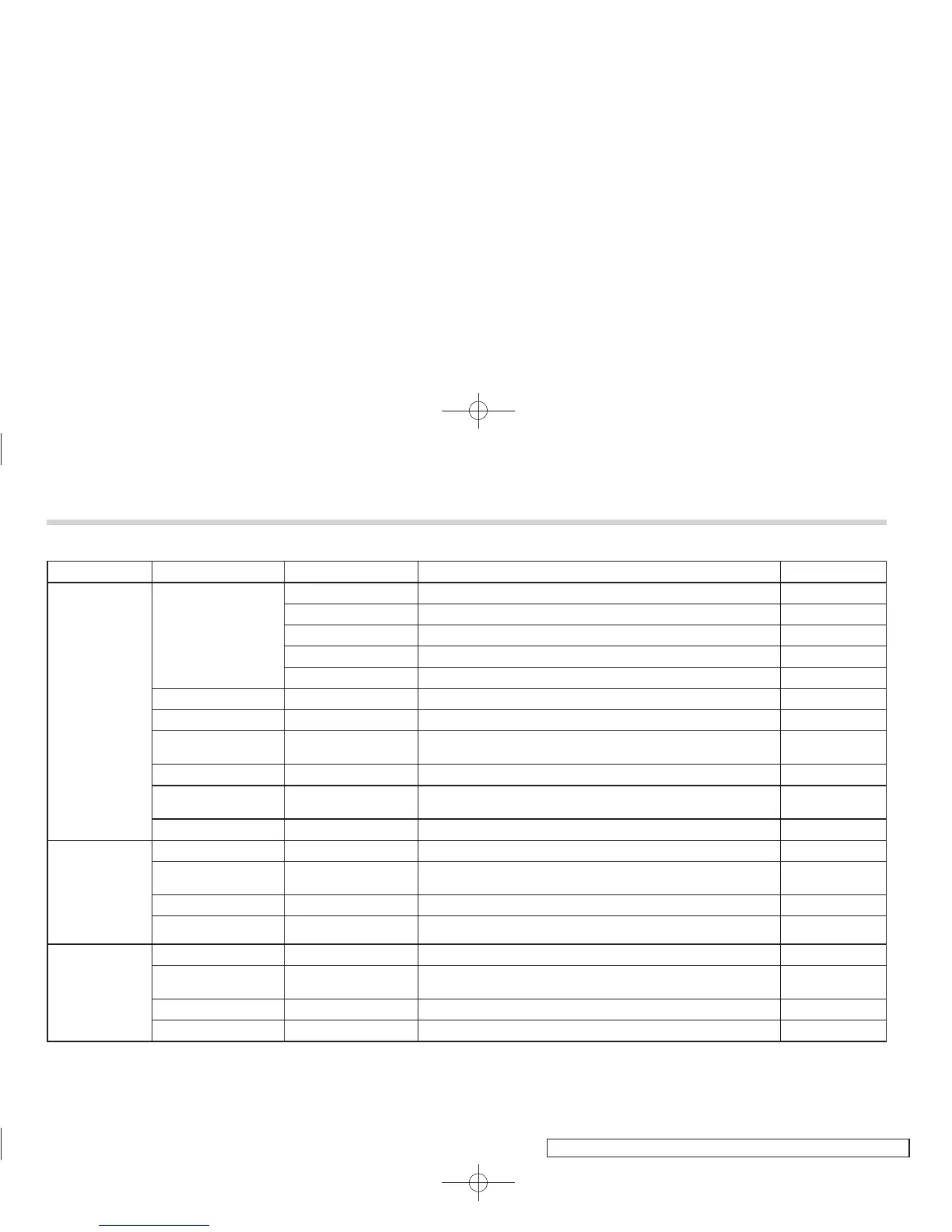
First menu Second menu Third menu Details Page
PHONE BOOK*
ADD ENTRY
BY VOICE Adding a new number by voice 5-49
BY PHONE Adding a new number by cell phone 5-49
MANUAL INPUT Adding a new number by inputting manually 5-49
CALL HISTORY Adding a new number from the call history 5-50
GO BACK
LIST NAMES — Showing the list of the names registered in the phonebook 5-50
CHANGE NAME — Changing a name registered in the phonebook 5-51
SET SPD DIAL/SET
SPEED DIAL
— Registering a speed dial 5-51
DELETE ENTRY — Deleting phonebook data 5-51
DEL SPD DIAL/DE-
LETE SPEED DIAL
— Deleting a registered speed dial 5-51
GO BACK —
REDIAL
DIAL — Redialing 5-52
STORE —
Adding a new number stored in the outgoing call history
memory
5-50
DELETE — Deleting a number stored in the outgoing call history memory 5-51
GO BACK —
CALLBACK
DIAL — Dialing a number stored in the incoming call history memory 5-52
STORE —
Adding a new number stored in the incoming call history
memory
5-50
DELETE — Deleting a number stored in the incoming call history memory 5-52
GO BACK —
*: If a cell phone is not registered, the menu described in the chart is not indicated.















 To Next Page