7
Bluetooth Basics
Bluetooth without
Navigation System
BlueConnect
®
Bluetooth with
Navigation System
Bluetooth with
TomTom
®
Navigation
To end the call, press the phone on hook button.
Receiving a Call
When a call comes in you will be notied. If the audio system is on, the audio
system will mute and a voice prompt will inform you. Press the phone off hook
button to accept the call.
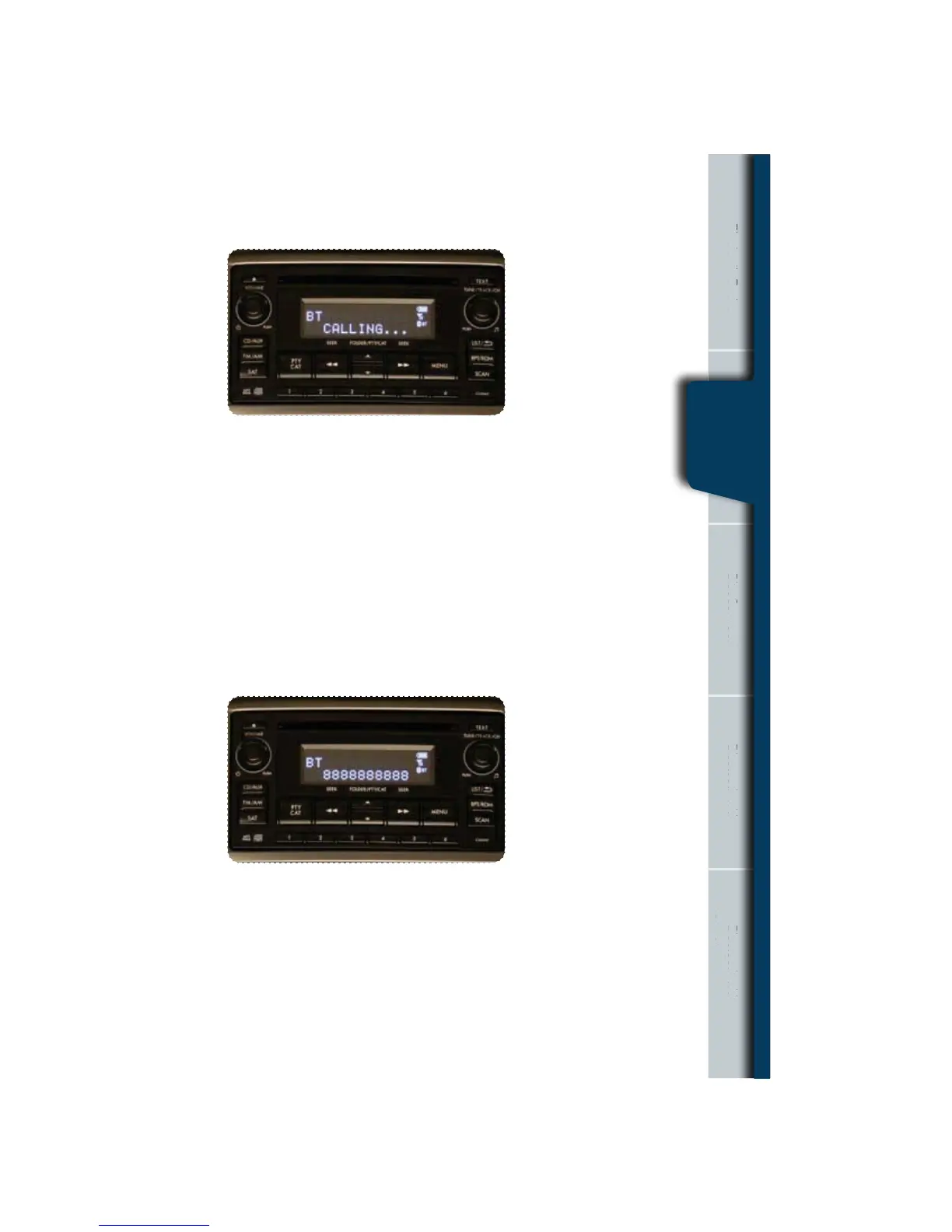
Press the phone off hook button to dial or press the talk button to add more
numbers. The phone will start dialing.
t*GZPVXBOUUPQVUUIFDBMMPOIPMEQSFTTUIFQIPOFPOIPPLCVUUPO
t*GZPVXBOUUPEFDMJOFUIFJODPNJOHDBMMQSFTTBOEIPMEUIFQIPOFPO
hook button.
t*GZPVXBOUUPBEKVTUUIFWPMVNFPGUIFDBMMVTFUIFQMVTPSNJOVTTXJUDIPOUIF
steering wheel.
Bluetooth witho
Navigation Syst
nne
avigation System
Tom
Navigation
Bluetooth
without
Nav. System















 To Next Page