20
After the beep, say the numbers of the phone number you wish to call. The system will
r
epeat the numbers you have said at this point. You can continue saying numbers, you
DBODBODFMNBLFBDPSSFDUJPOPSEJBM4BZi%JBMwUIFTZTUFNXJMMUIFOEJBMUIFOVNCFS
Making a Call
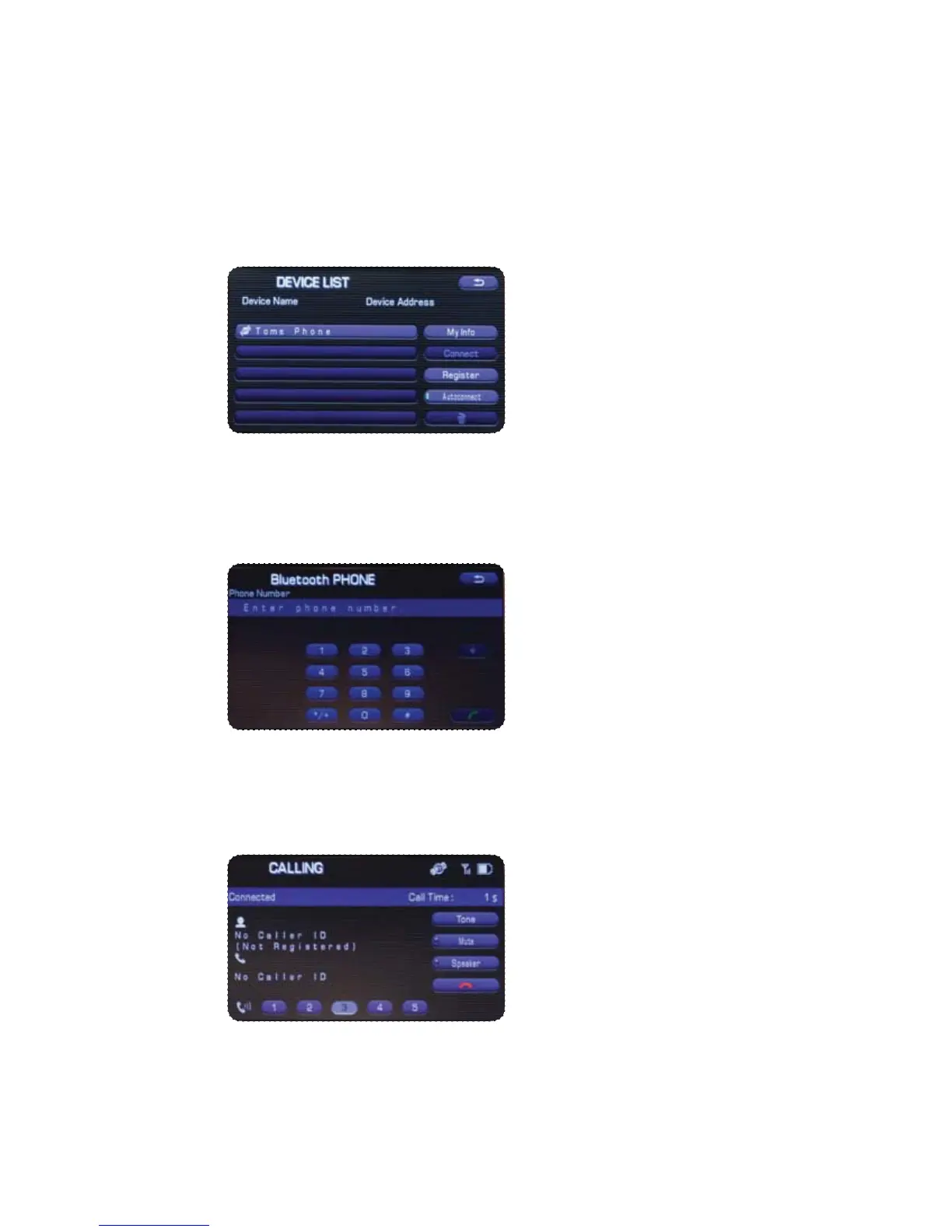
1SFTTUIF5BMLCVUUPOPOUIFTUFFSJOHXIFFMUIFOTBZi%JBMCZOVNCFSw"OVNFSJDBMLFZQBE
will be displayed.
Put your phone into Bluetooth pairing mode and pair your phone to the system using
the pass-key provided. When the phone is successfully paired the screen will show
the phone’s name on the list.















 To Next Page