5
Safety & Navigation
Information
Emergency
Screen
Finding an
Address
Finding a Point
of Interest
Setting HOME
as a Favorite
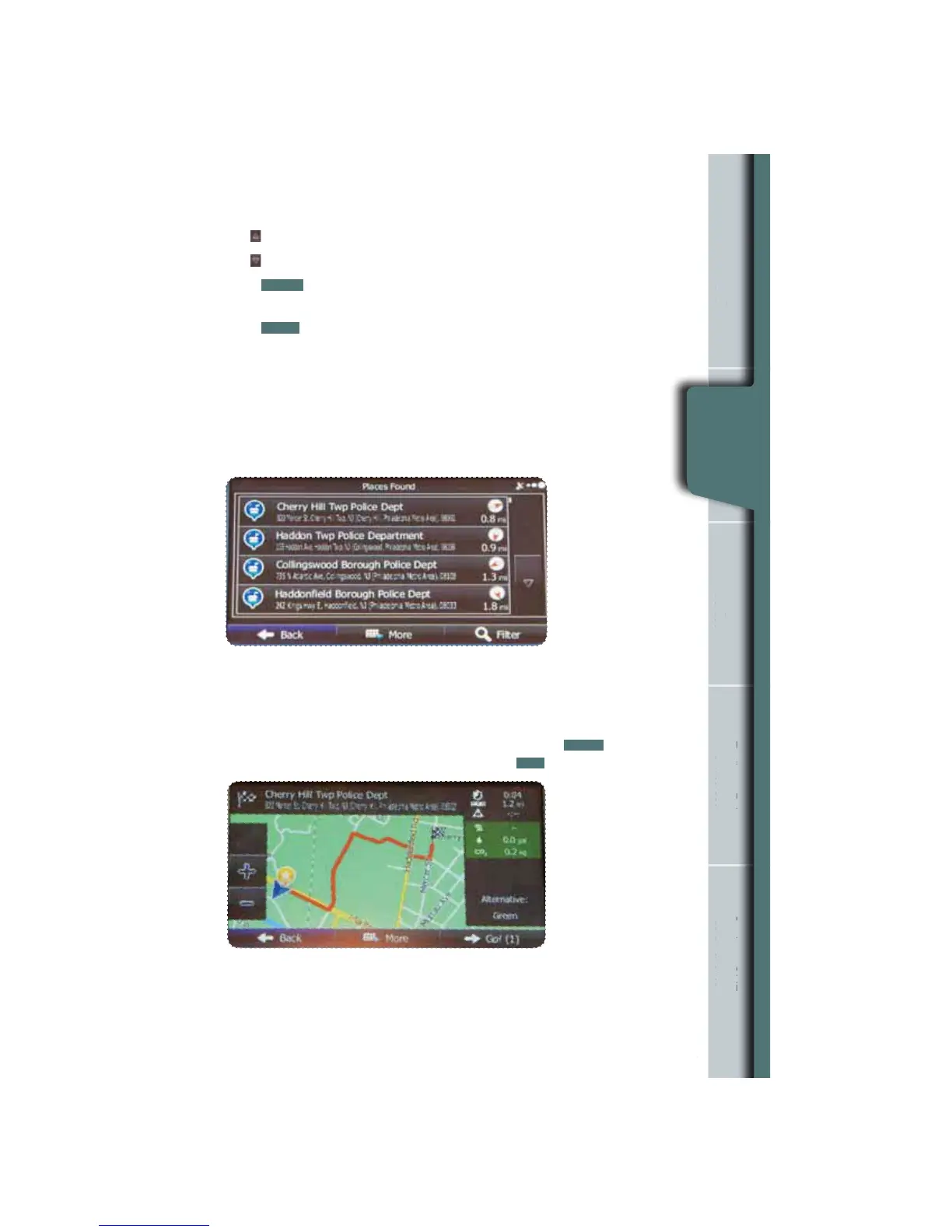
Find the item you want on the list, and then touch that item.
The name and address of the location are displayed in the black bar at the top of
the screen and the entire route is displayed on the map. Touch
MORE
to change
the route plan or to review route alternatives, or touch
GO!
to start navigation.
The screen now displays several options:
Use
to display the previous suggestion.
Use
to display the next suggestion.
Touch
FILTER
to help rene the search. A keyboard appears so you can input a
specic location, such as “Subaru”.
Touch
BACK
to return to the map.
n
Information
rgency
Screen
g an
ddres
g a
f Interes
as a Favorit
Emergency
Screen















 To Next Page