72
June 2013
Electrical Systems Operation & Diagnosis Module (602)
Remote (RES) Transmitter Programming Mode
1. Open the driver’s door (the driver’s door must remain opened throughout the entire process).
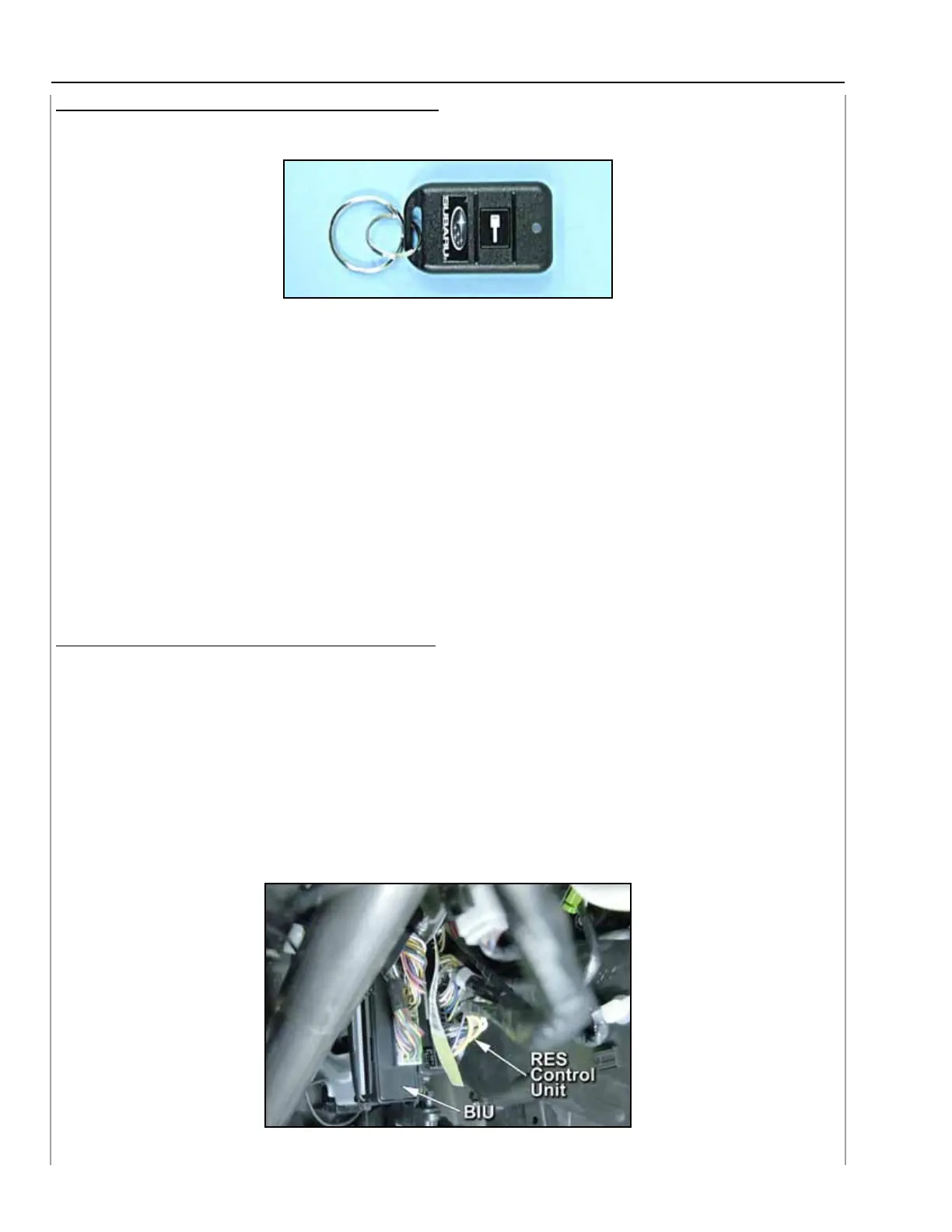
Remote Transmitter
2. Insert the ignition key into the vehicle’s ignition cylinder and turn to the ON or Run position.
3. Locate the small black programming button behind the fuse box cover on the left side of
the driver’s side lower dashboard.
4. Press and hold the black programming button for 10-15 seconds. The horn will honk and
the parking lights will flash three times to indicate that the system has entered transmitter
programming mode.
5. Press and release the START (key icon) button on each transmitter. The horn will honk and
the parking lights will flash one time to indicate a successful transmitter learn each time
the START (key icon) button is pressed.
6. To exit transmitter programming mode, turn the ignition key to the OFF position, remove
the ignition key from the ignition cylinder and test operation of the remote transmitter(s).
Enabling / Disabling Confirmation Horn Honks
1. Follow steps 1-4 in “Remote transmitter Programming Mode” above.
2. Pressing the vehicle’s brake pedal will enable the confirmation horn honk feature. The
vehicle’s horn will honk 1 time to indicate that confirmation horn honks have been disabled
and honk 2 times to indicate that confirmation horn honks have been enabled.
3. To exit programming mode, turn the ignition key to the OFF position, remove the ignition
key from the ignition cylinder and test operation of the remote transmitter(s).
Check STIS for the most up to date information in the owner’s manual on the remote engine
start system.
BIU & RES Control unit Location
131
132





 To Next Page