76 Sun Fire 280R Server Service Manual • January 2001
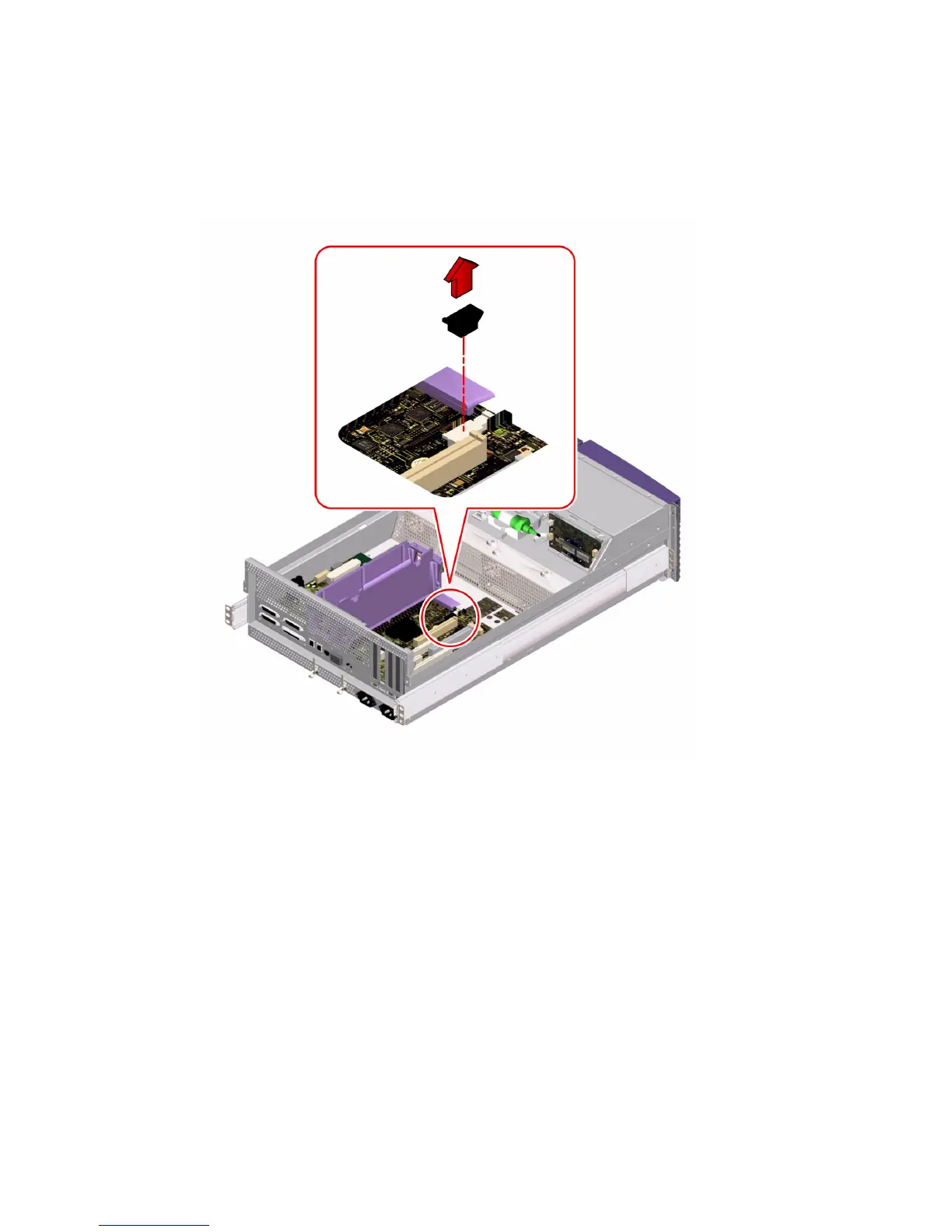
3. Grasp the ID SEEPROM module at each end and pull it straight up.
If necessary, gently rock the ID SEEPROM module from side to side to facilitate
removal.
4. Place the ID SEEPROM module on an antistatic mat.
What Next
To replace the ID SEEPROM module, complete this task:
■ “How to Replace the ID SEEPROM Module” on page 77













 To Next Page